Input devices
4x4 matrix keypad with ESP32
A membrane 4x4 keypad gives you 16 keys over 8 wires: four rows and four columns. Code drives each row in turn and reads the columns to see which key connects them. That is cheap and simple, and it is why keypads turn up in door locks and machine panels.
The catch on display boards is the pin count. Eight GPIOs are often more than a parallel RGB board has left, and a connector usually offers only a few. Check the board page first. On a touch screen, an on-screen keypad usually does the job with no wiring at all, and LCD Ultra Pro has a PIN lock screen ready for that.
If you do need the physical keys, use normal bidirectional GPIOs. On a classic ESP32, input-only pins cannot drive rows, and strapping pins should be avoided on every chip. No external resistors are needed: the Keypad library uses internal pull-ups and handles debounce. Membrane keypads have a flat ribbon, so pin order matters: check the seller's diagram, since a wrong order gives the wrong key rather than no key. To use fewer GPIOs, an I2C expander can read the keypad on two wires, at the cost of more code.
Specifications
| Keys | 16 |
|---|---|
| Pins | 8 (4 rows, 4 columns) |
| Pull-ups | Internal, handled by the library |
| Voltage | 3.3–5 V |
Power and logic levels
3.3 V: safe to connect directly
| Supply | None, it is a switch matrix |
|---|---|
| Signal level | Follows the GPIO level |
| On an ESP32 | No shifting needed. |
ESP32 pins, including those on a display board's connectors, work at 3.3 V and are not 5 V tolerant. Modules differ, so if in doubt, measure the signal before you connect it.
Wiring
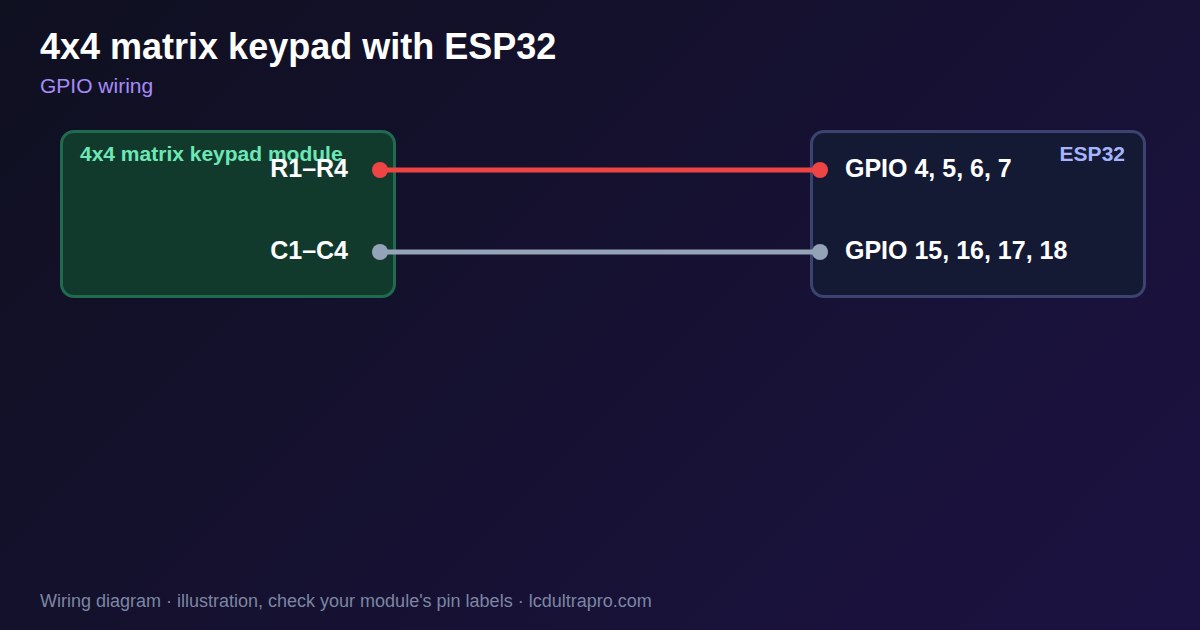
| 4x4 matrix keypad | Connect to | Note |
|---|---|---|
| R1–R4 | GPIO 4, 5, 6, 7 | Rows |
| C1–C4 | GPIO 15, 16, 17, 18 | Columns |
Arduino code
#include <Keypad.h>

const byte ROWS = 4, COLS = 4;
char keys[ROWS][COLS] = {
  {'1', '2', '3', 'A'},
  {'4', '5', '6', 'B'},
  {'7', '8', '9', 'C'},
  {'*', '0', '#', 'D'}
};
byte rowPins[ROWS] = {4, 5, 6, 7};
byte colPins[COLS] = {15, 16, 17, 18};
Keypad pad = Keypad(makeKeymap(keys), rowPins, colPins, ROWS, COLS);

void setup() {
  Serial.begin(115200);
}

void loop() {
  char k = pad.getKey();
  if (k) Serial.println(k);
}
Needs the Keypad library. Compiled for ESP32-S3 with arduino-esp32 3.x. Not yet tested by us on a physical sensor. Change the pins to match your board.
On a display
Read the value in your sketch and pass it to a label, or send it over MQTT and show it with an MQTT value in the editor.
Design a display for 4x4 matrix keypadGood to know
- It takes 8 GPIOs. Many display boards cannot spare them.
- Pin order differs between keypads.
- An on-screen keypad may be simpler.
- Avoid strapping and input-only pins.
What it is good for
- Door and alarm PIN entry
- Machine parameter input
- Gloved or dirty environments
FAQ
How many pins does a 4x4 keypad use?
Eight, four rows and four columns.
Why do I get the wrong key?
The pin order is different. Check the keypad's diagram.
Can I use fewer pins?
Yes, with an I2C port expander, at the cost of more code.
Sources
Related parts
Use this information at your own risk. It is for general guidance only: the example code compiles, but it has not been tested on every part, and modules differ between sellers. Check the manufacturer's data before you build. Product names belong to their owners, and LCD Ultra Pro is not affiliated with them. See our Terms.