Writing about LCD Ultra Pro?
Here's what others have written so far, where the project lives online, and a kit with screenshots, a short clip, the logo and the key facts. You're free to use all of it.
In the news
LCD Ultra Pro
View the pageWrote about the project or covered it in a video? Send me the link at support@lcdultrapro.com and I'll add it here.
Screenshots, clip and logo
32 screenshots from the editor and the website, grouped by feature below. Each one has its own download link to the full-size JPG, and the ZIP has all of them plus the USB Live clip, the logo and a fact sheet. They're free to use when you write about LCD Ultra Pro or show it in a video. No need to ask first.
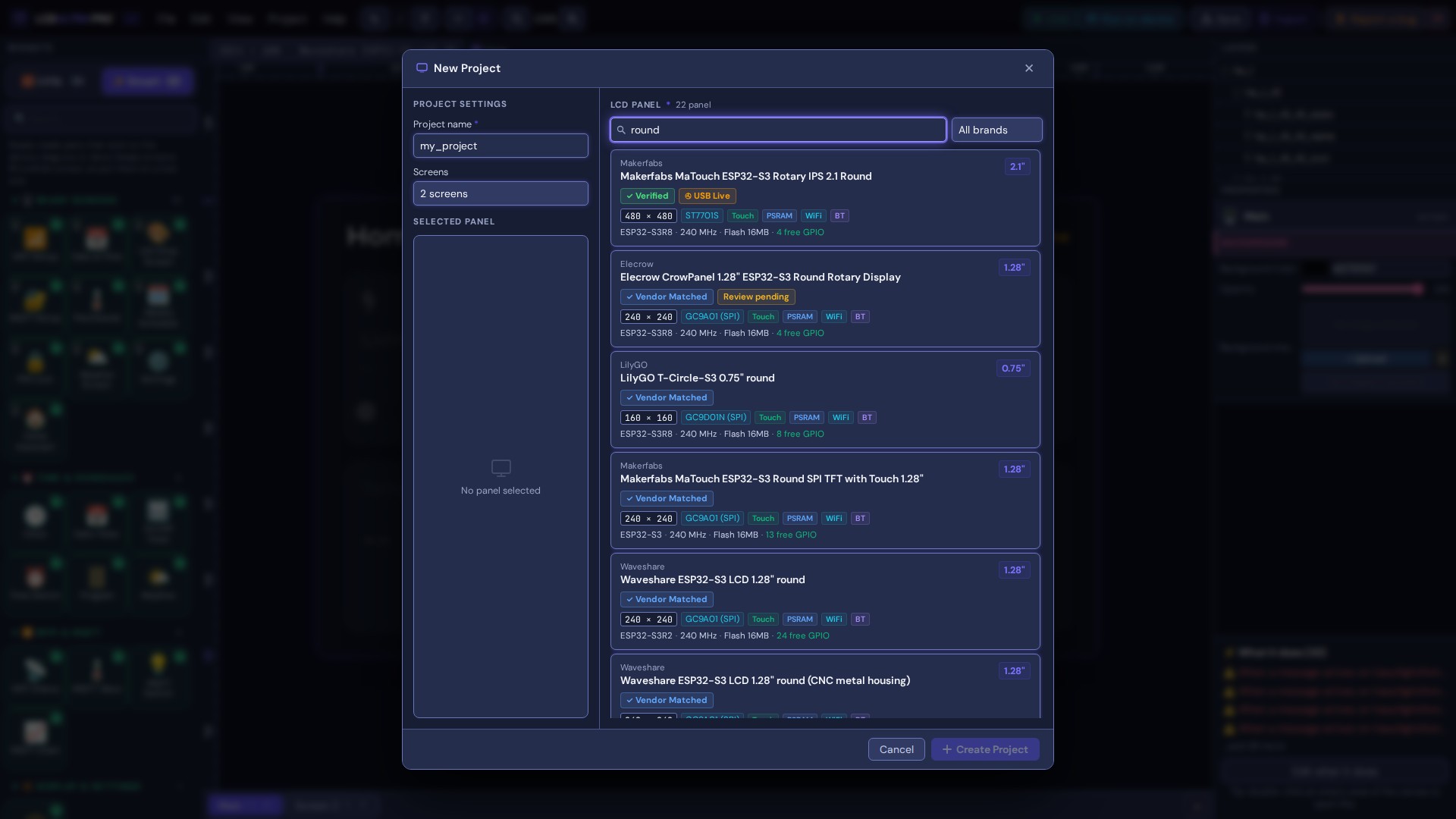
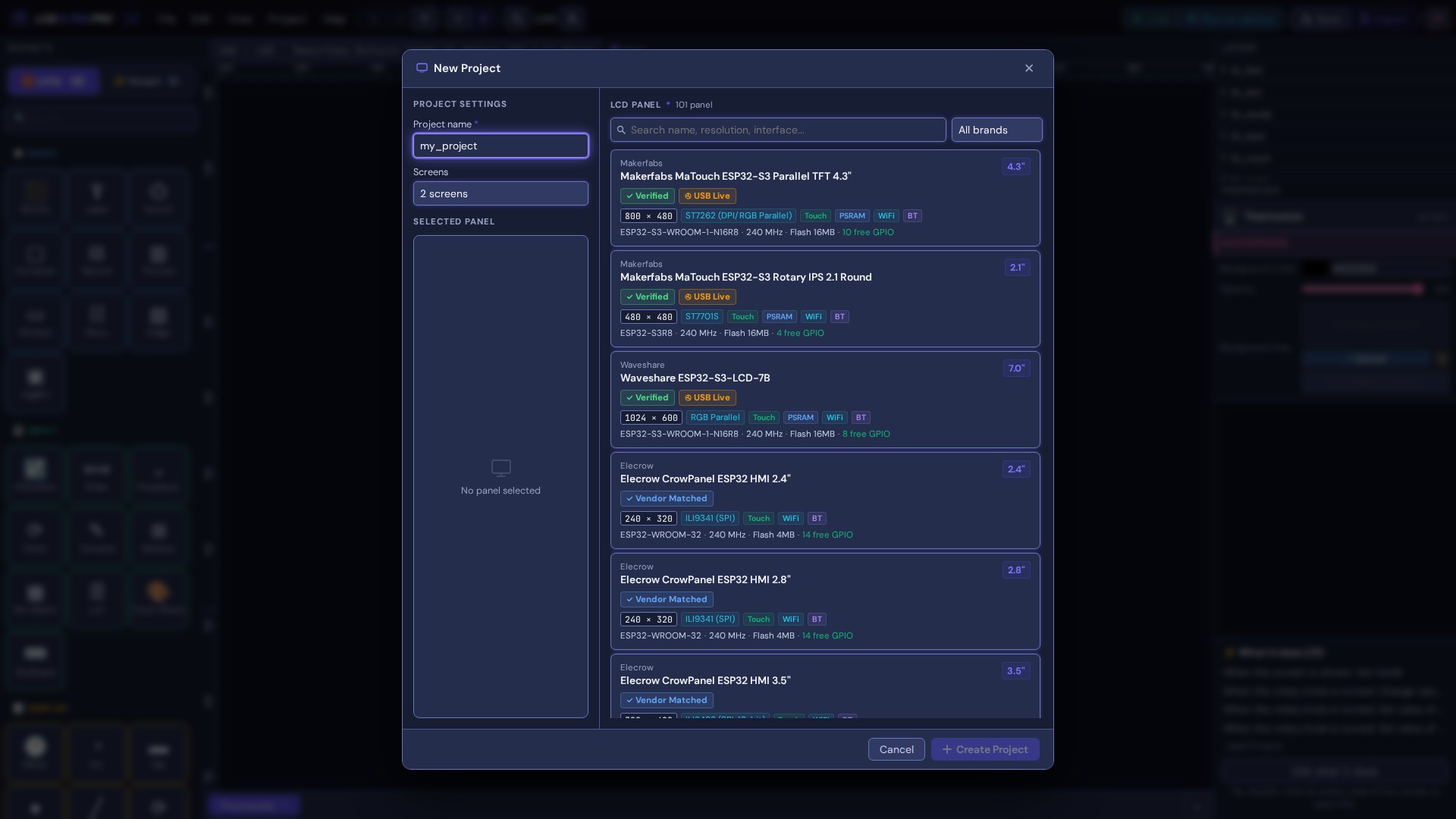
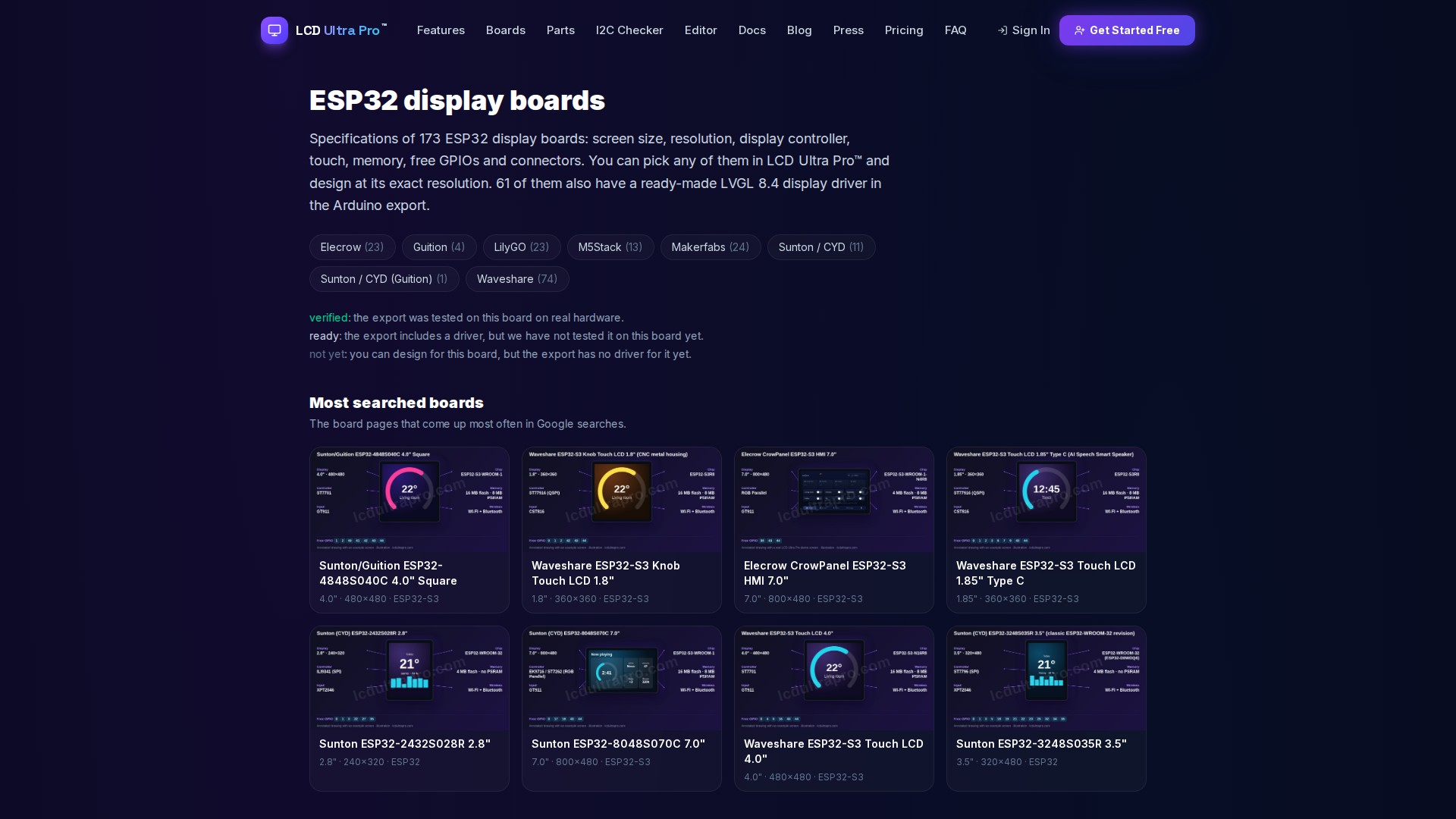
Picking a board
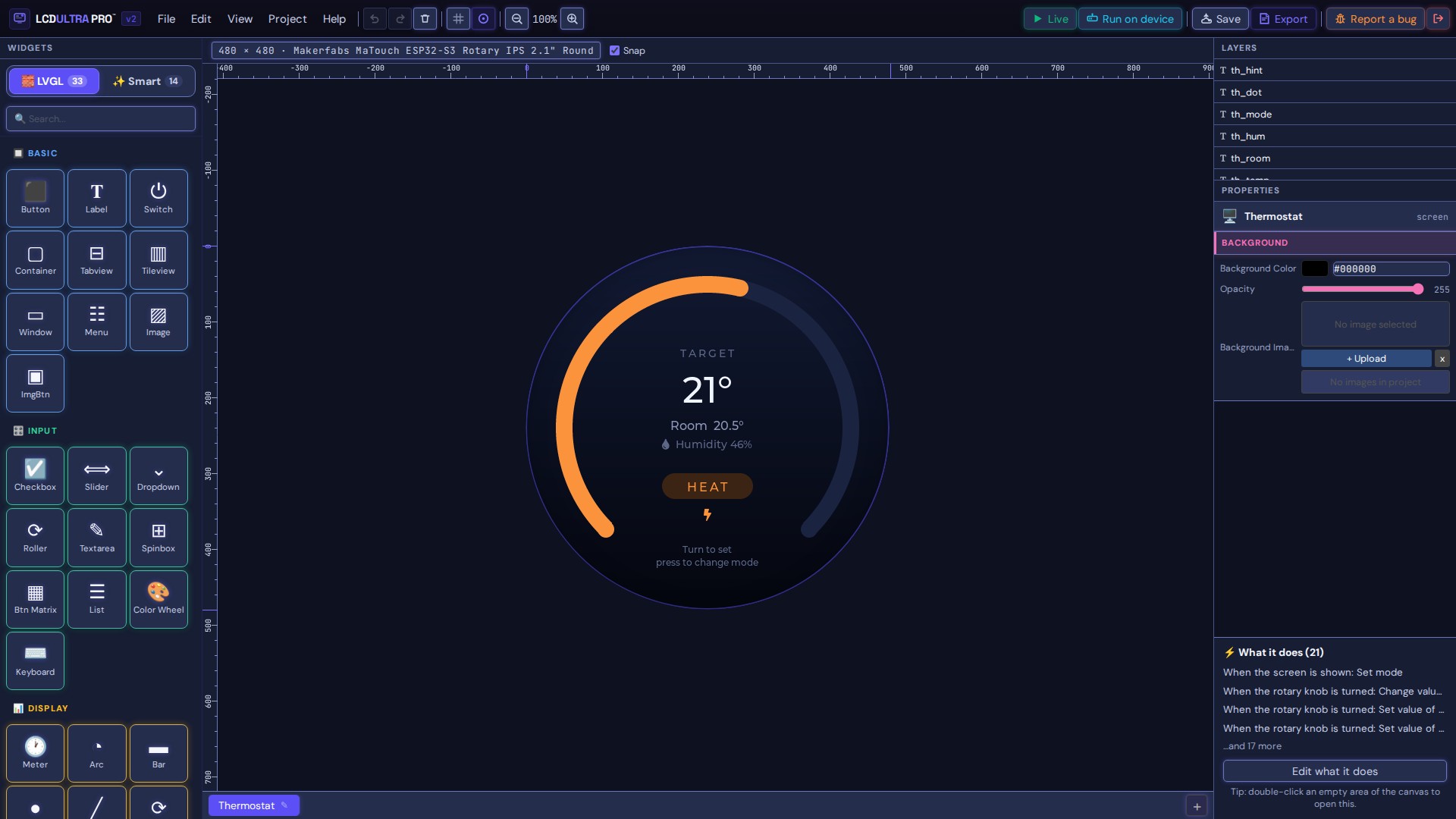
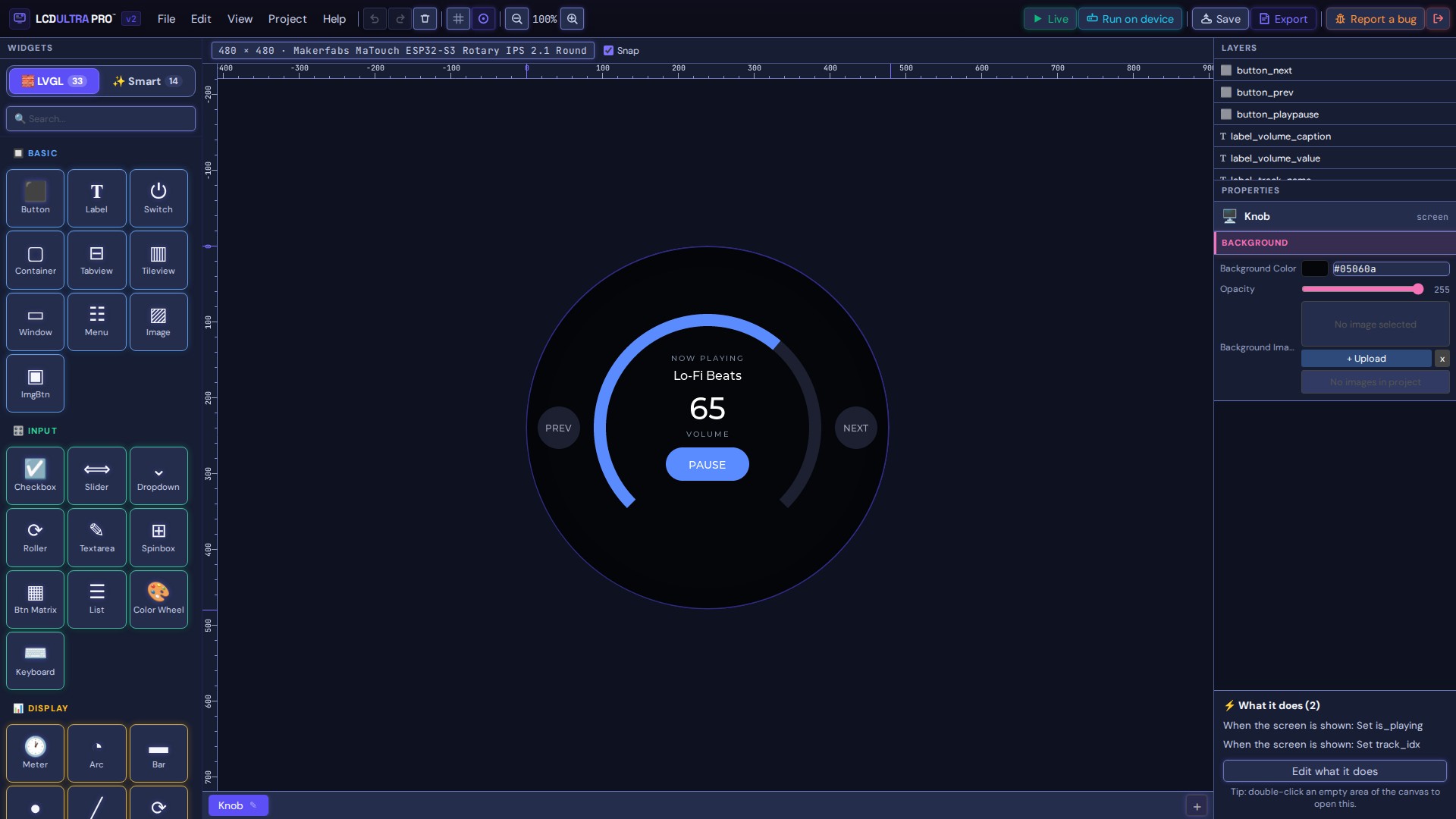
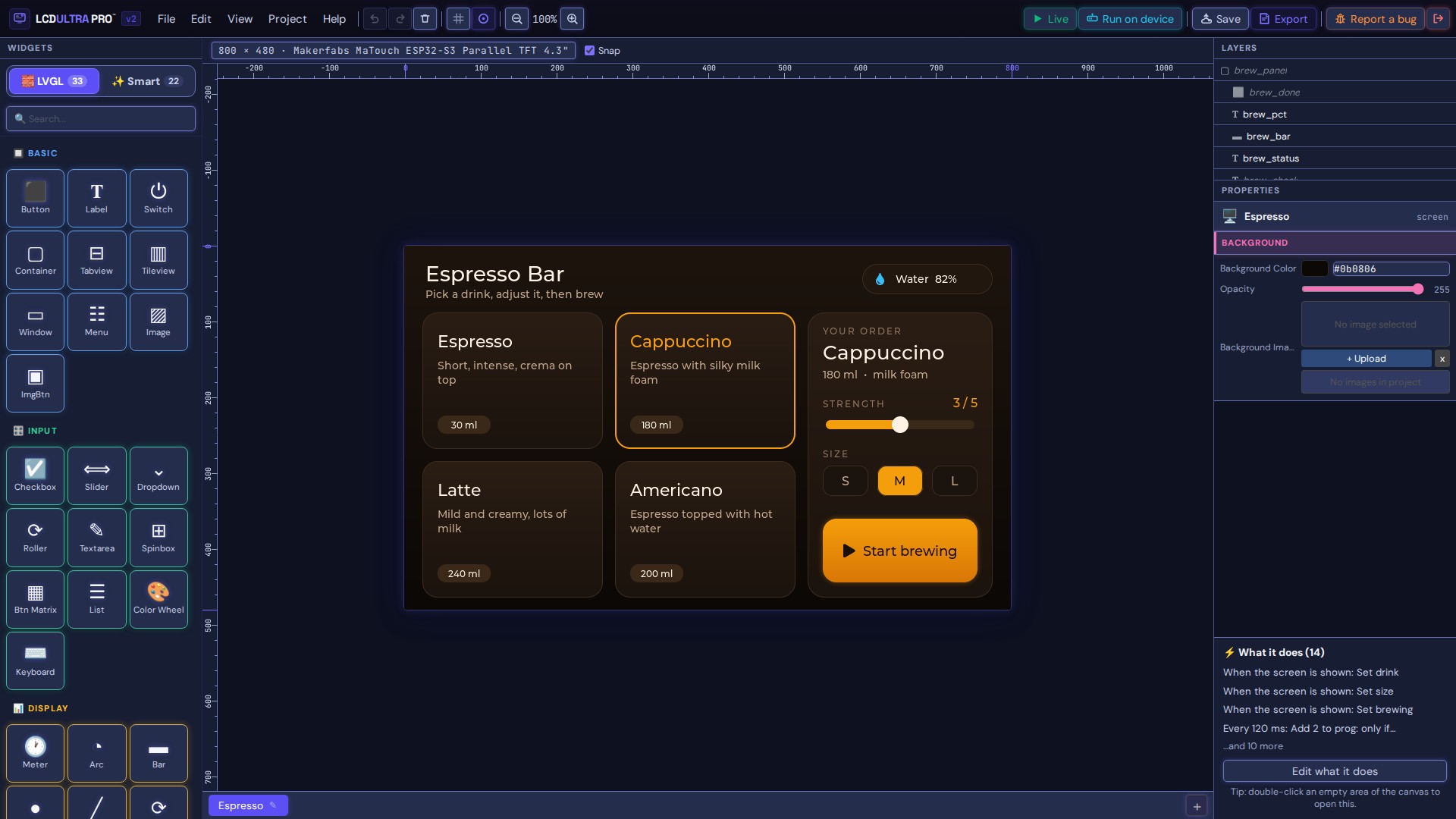
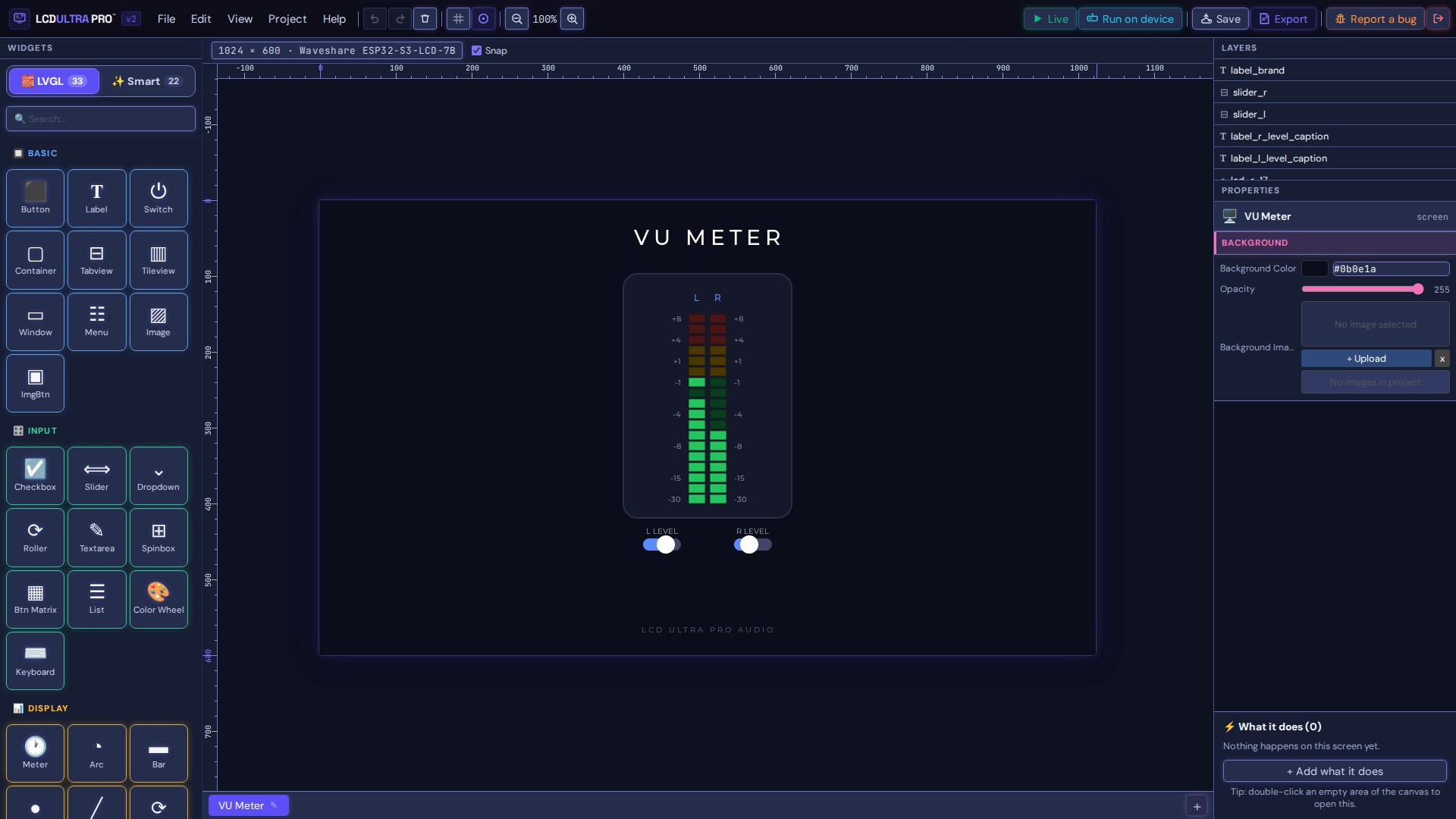
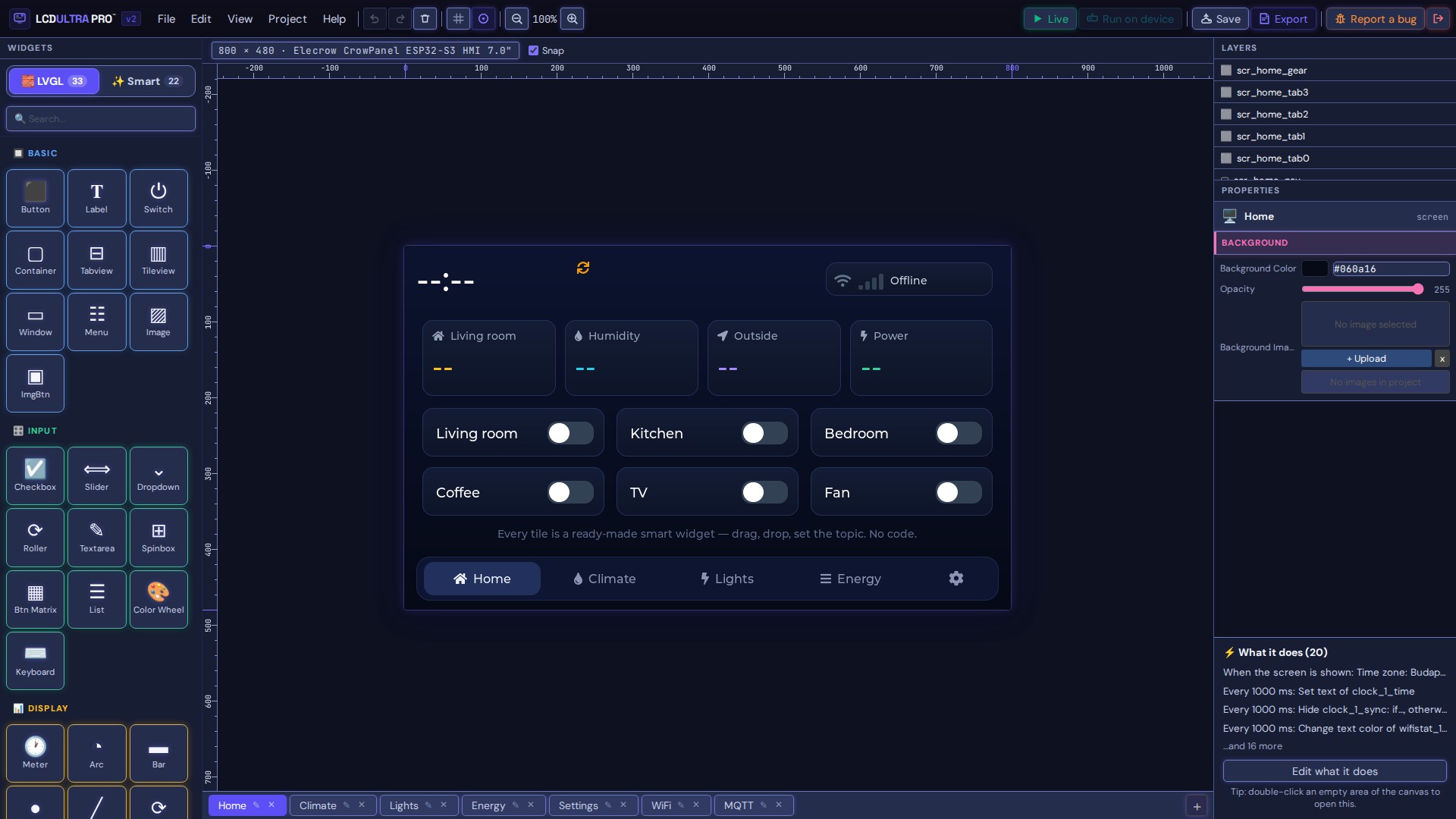
Canvas and widgets
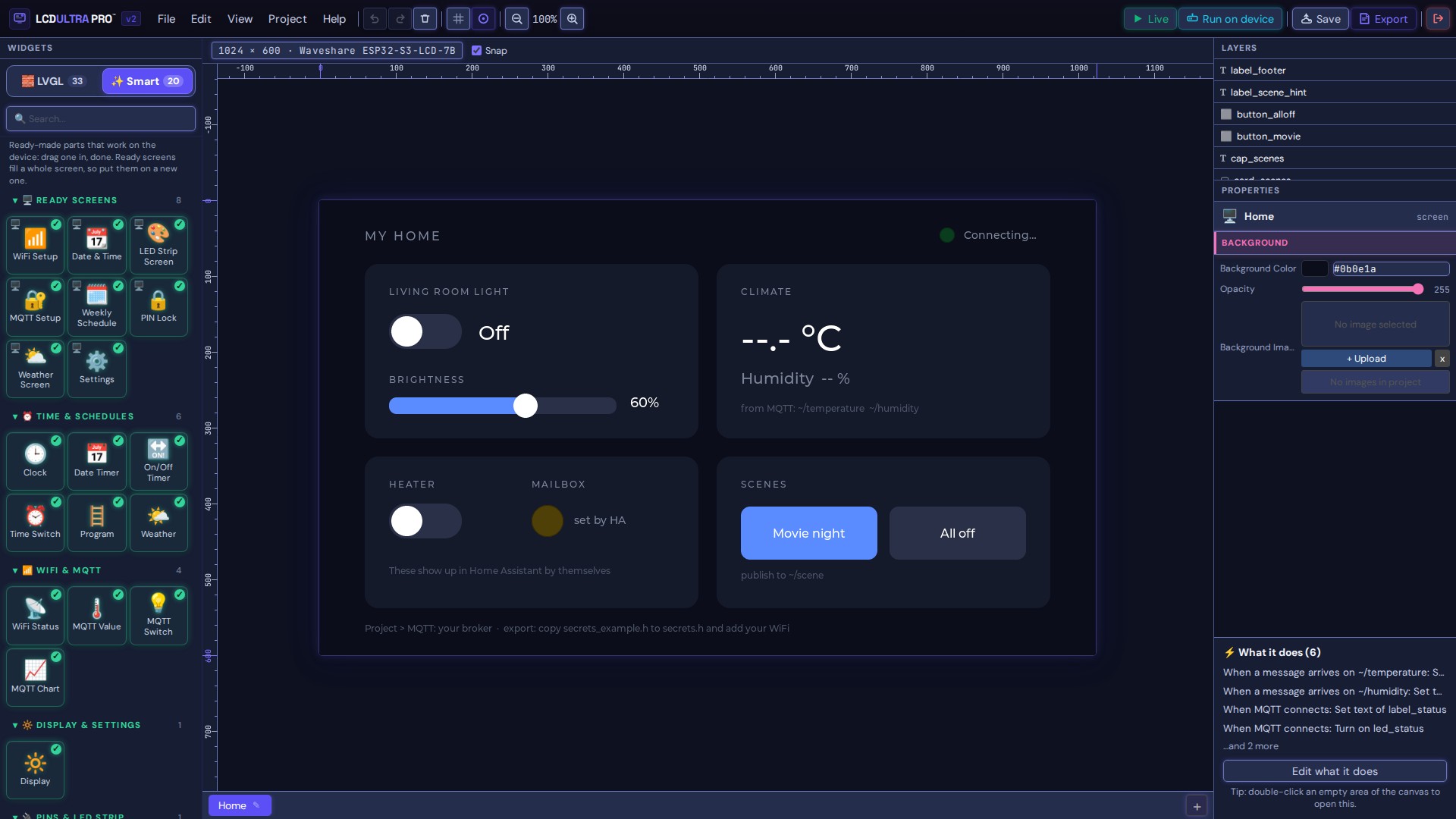
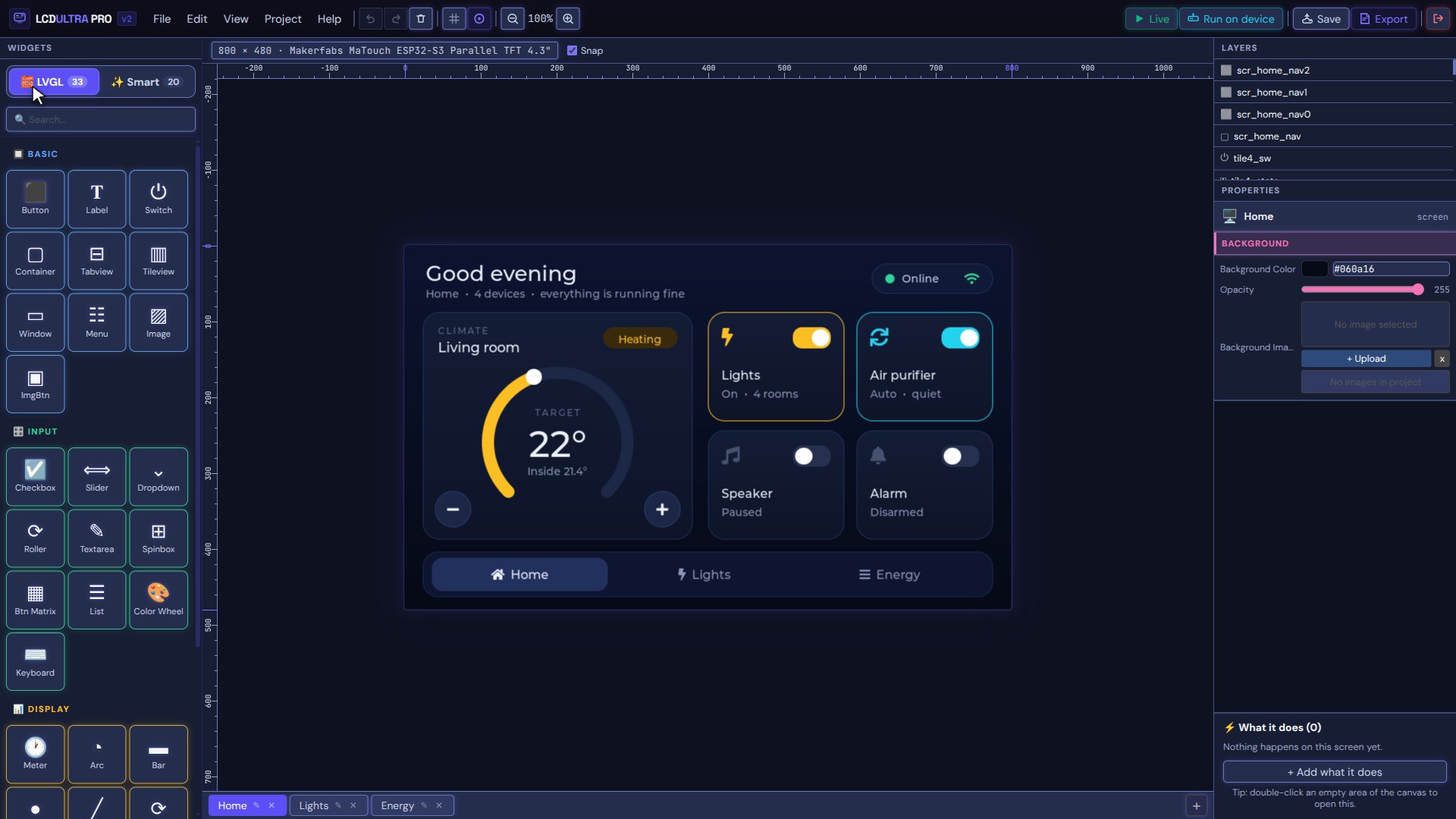
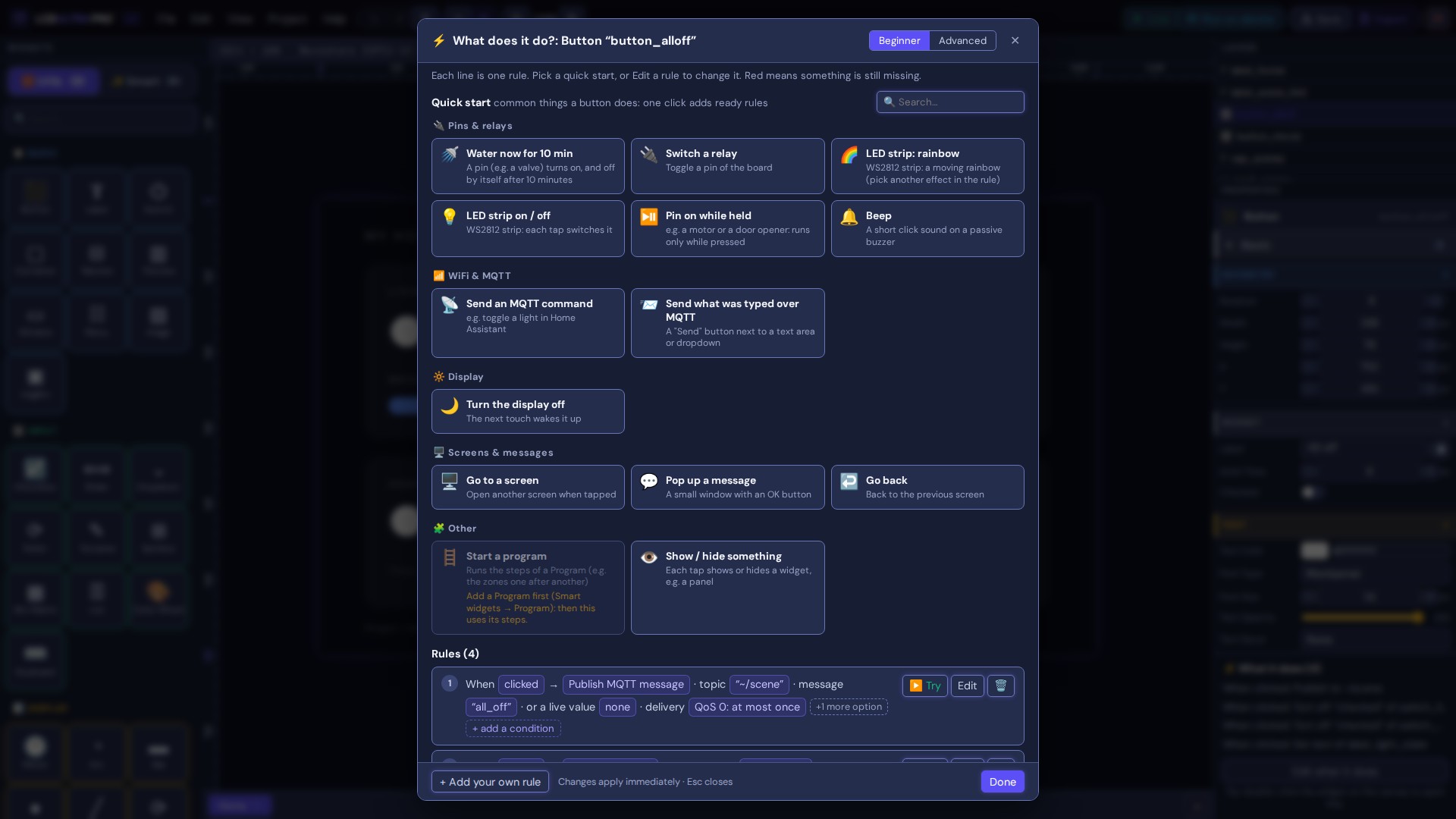
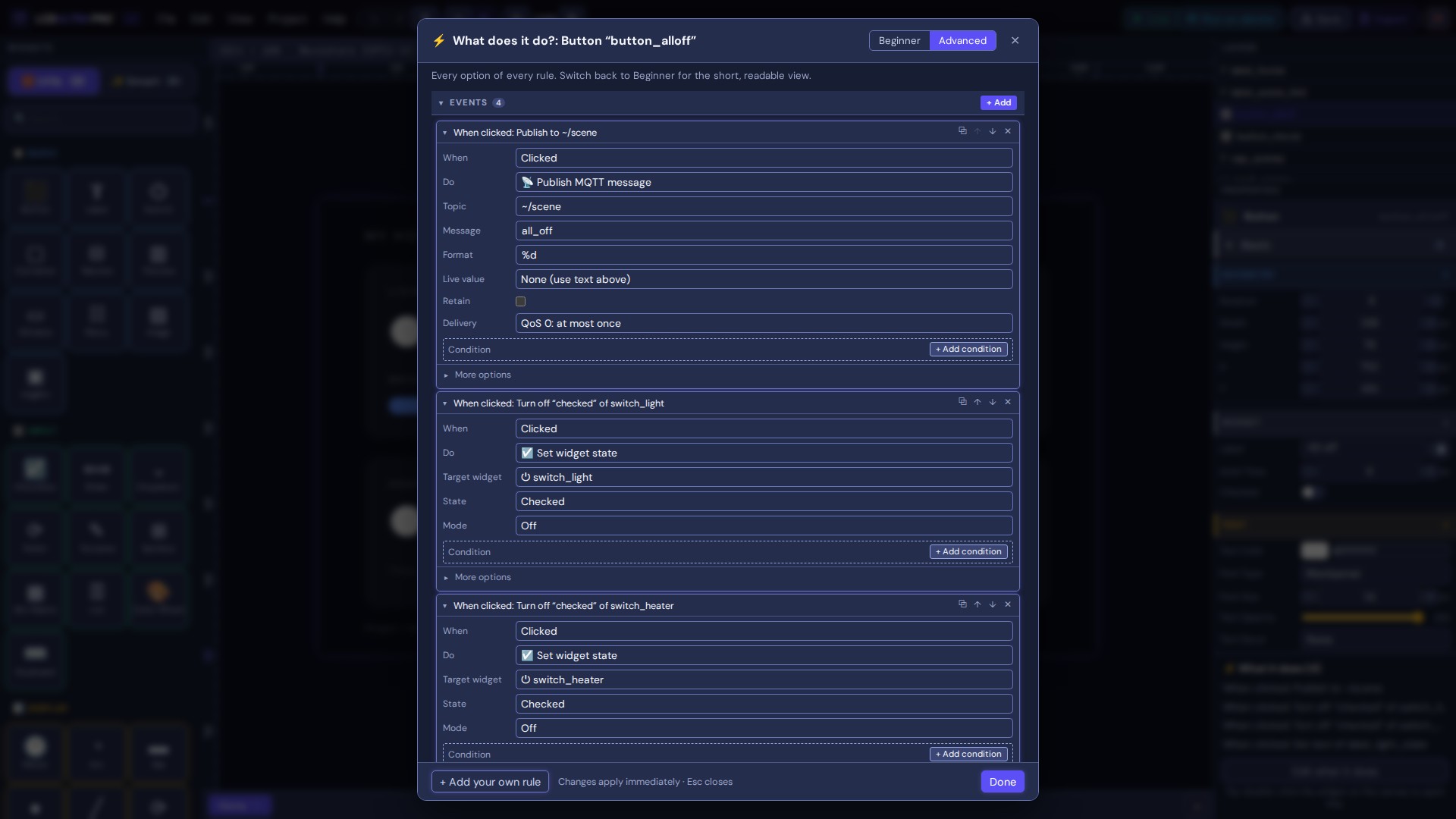
Rules instead of code
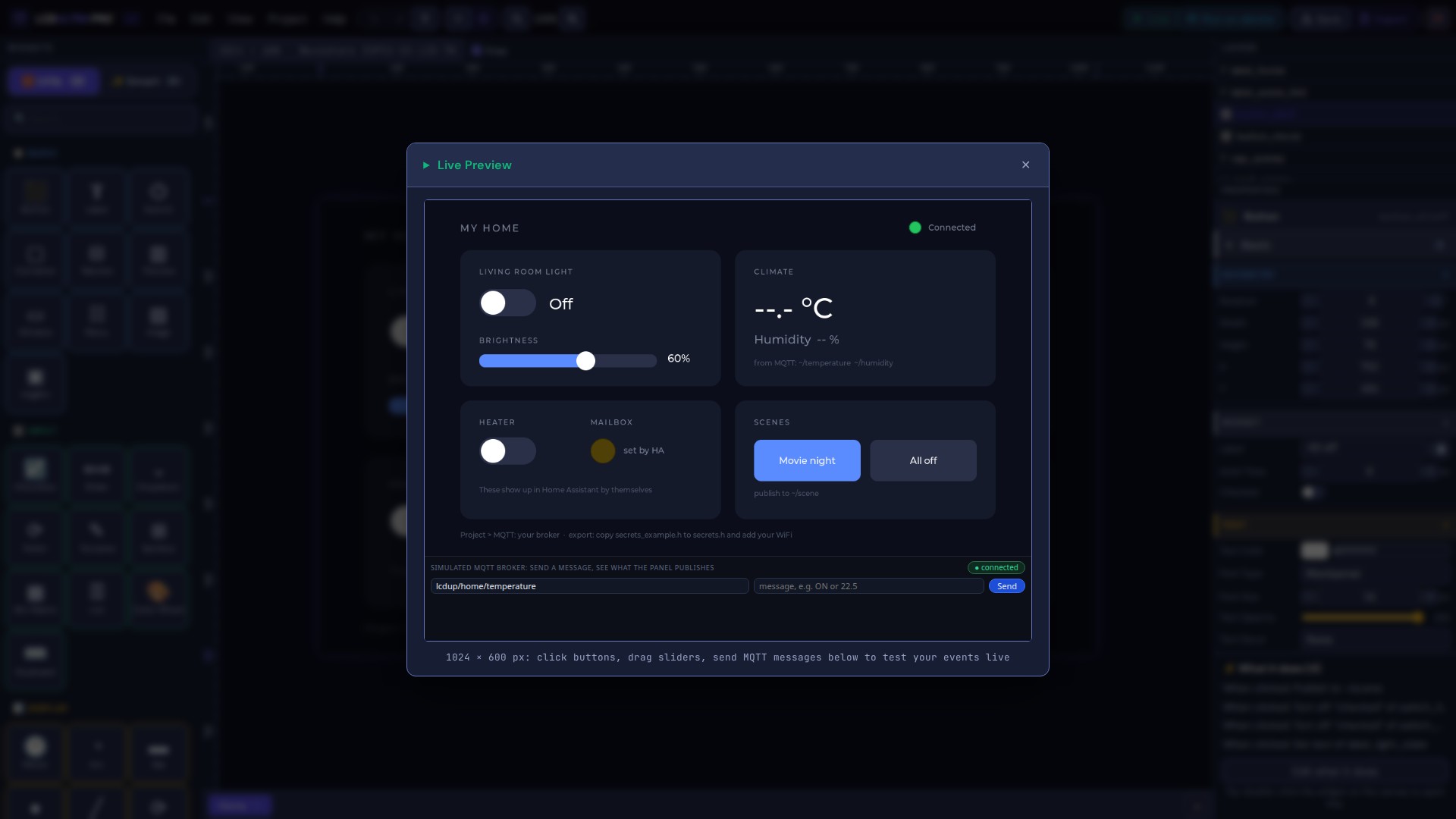
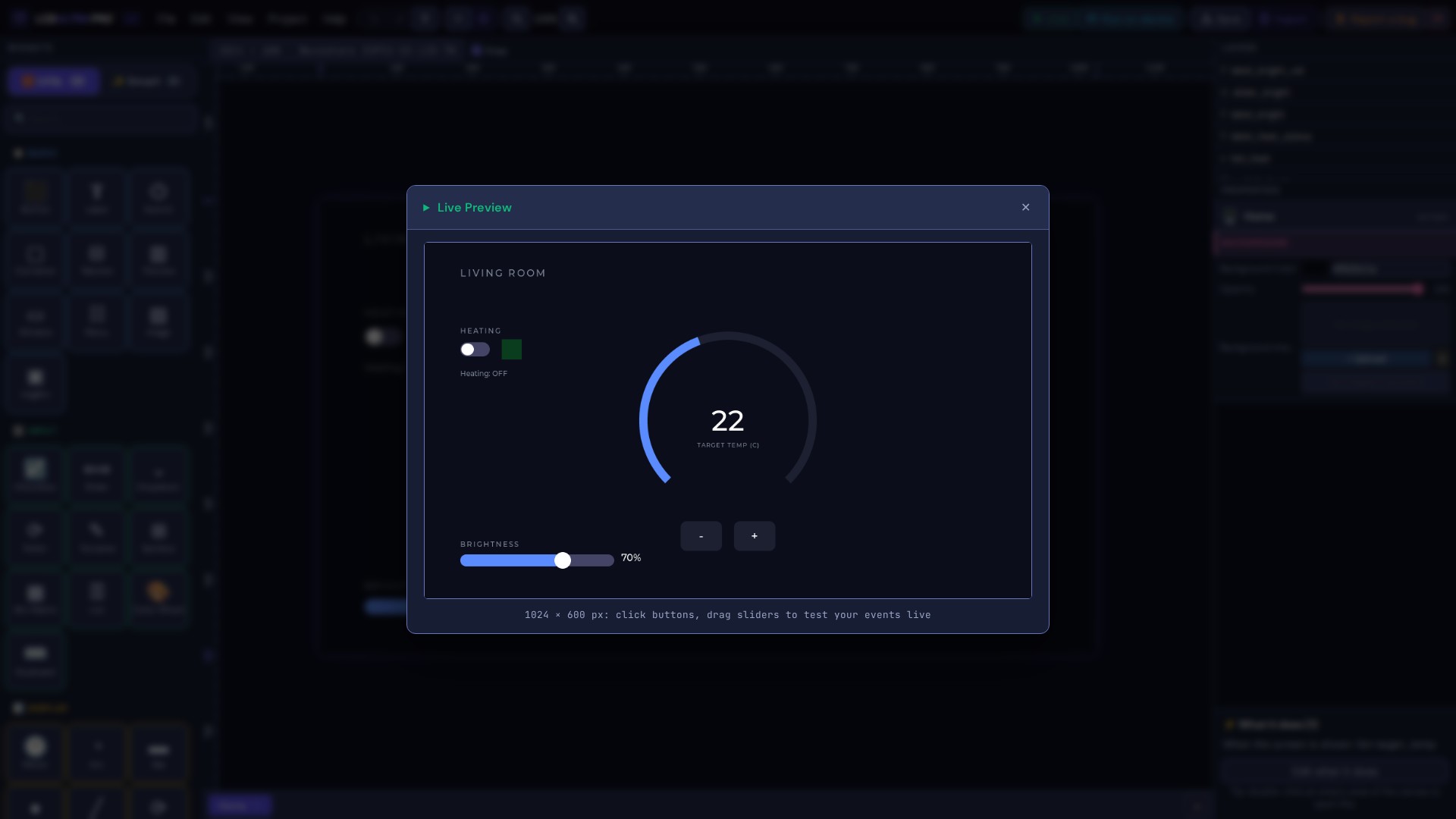
Live Preview
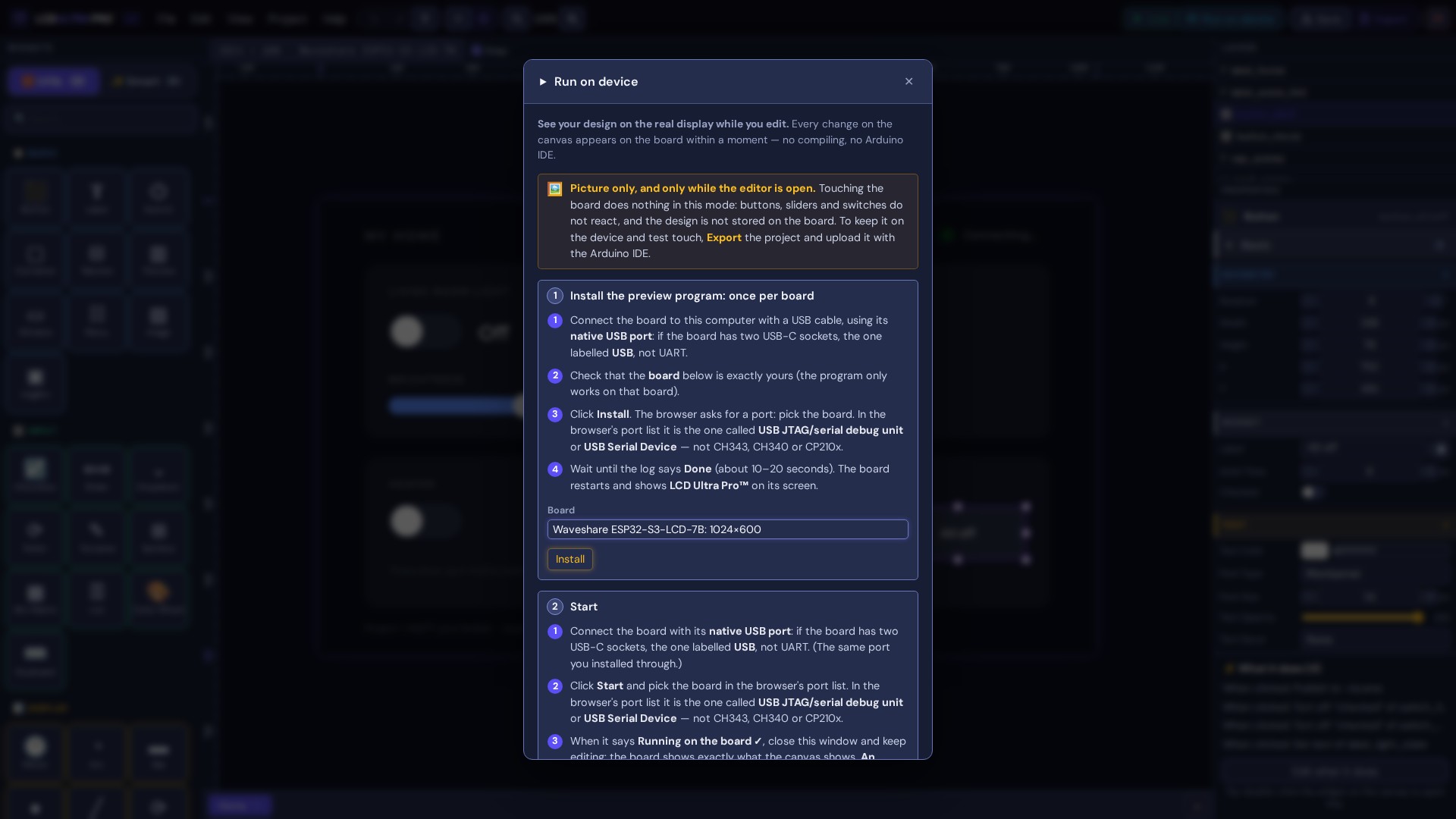
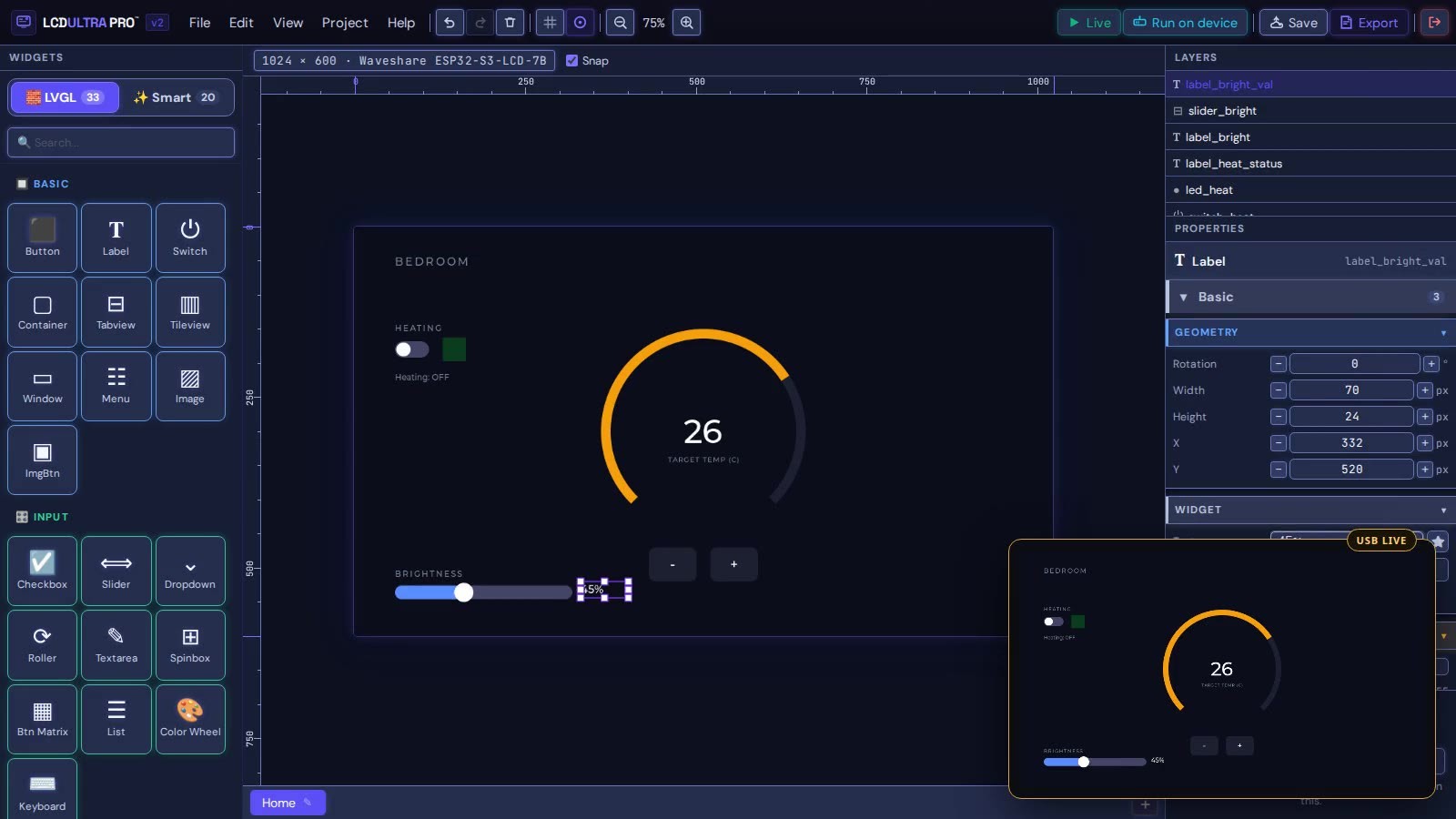
USB Live on real hardware
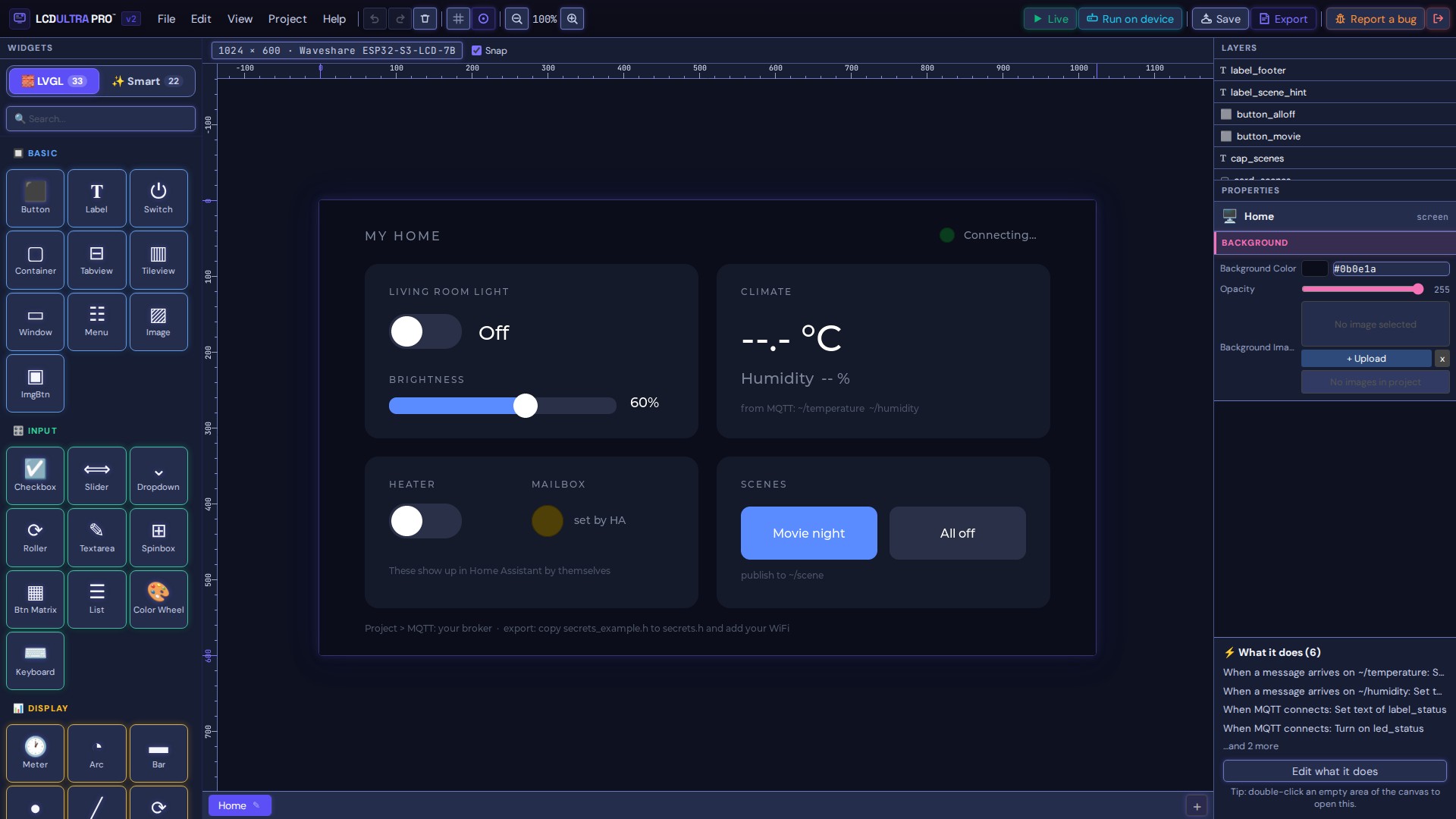
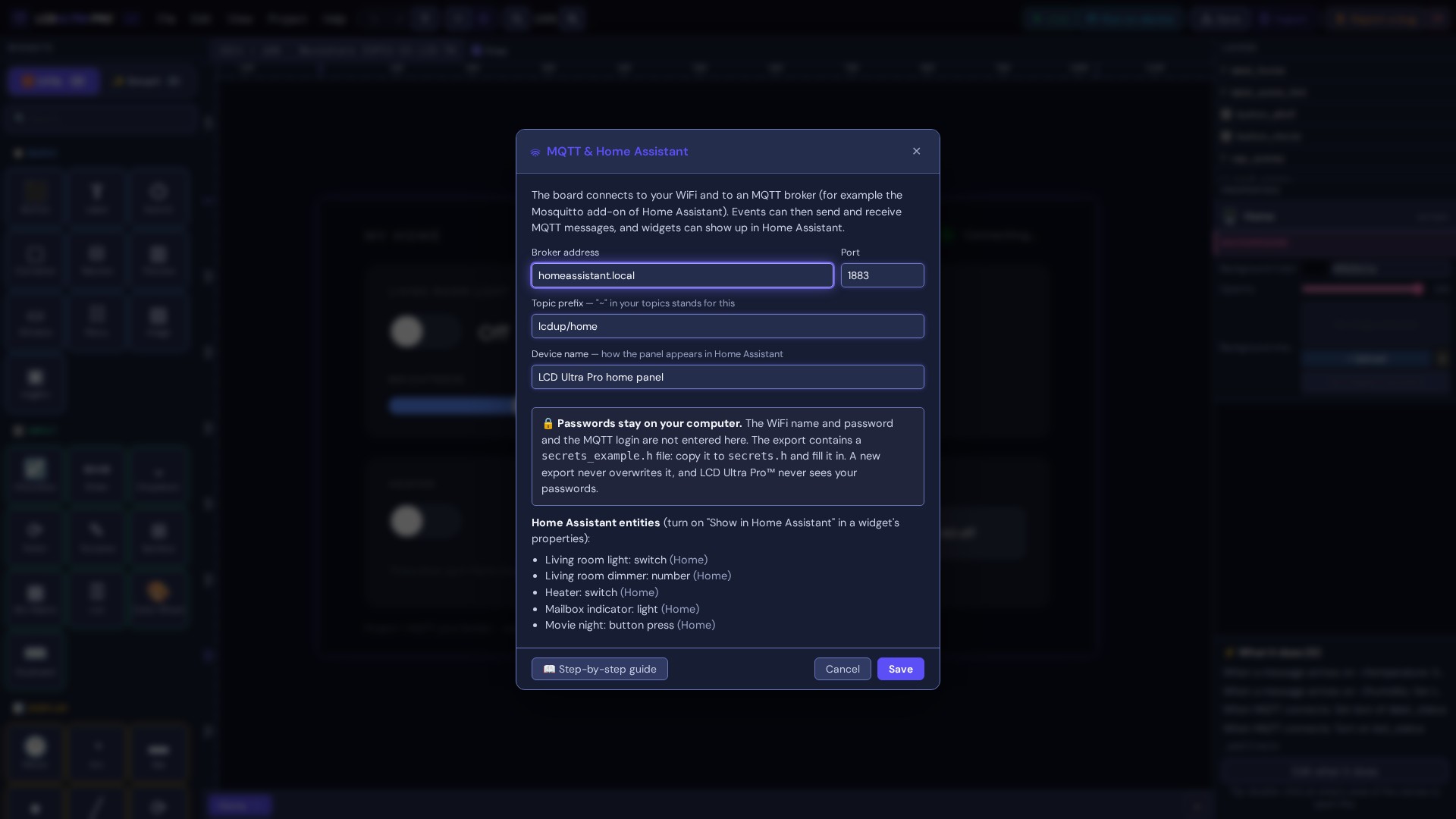
MQTT and Home Assistant
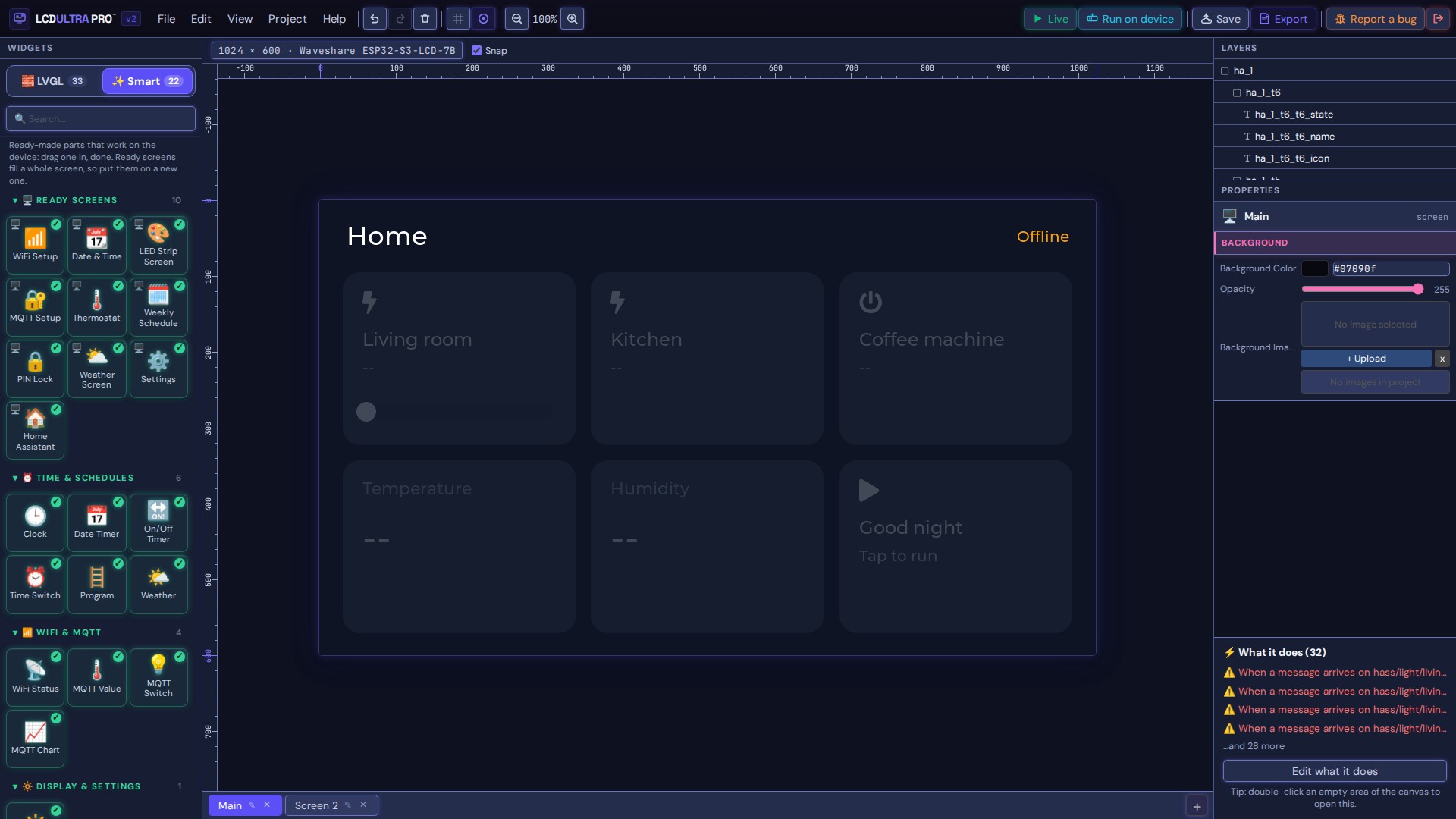
Smart screens
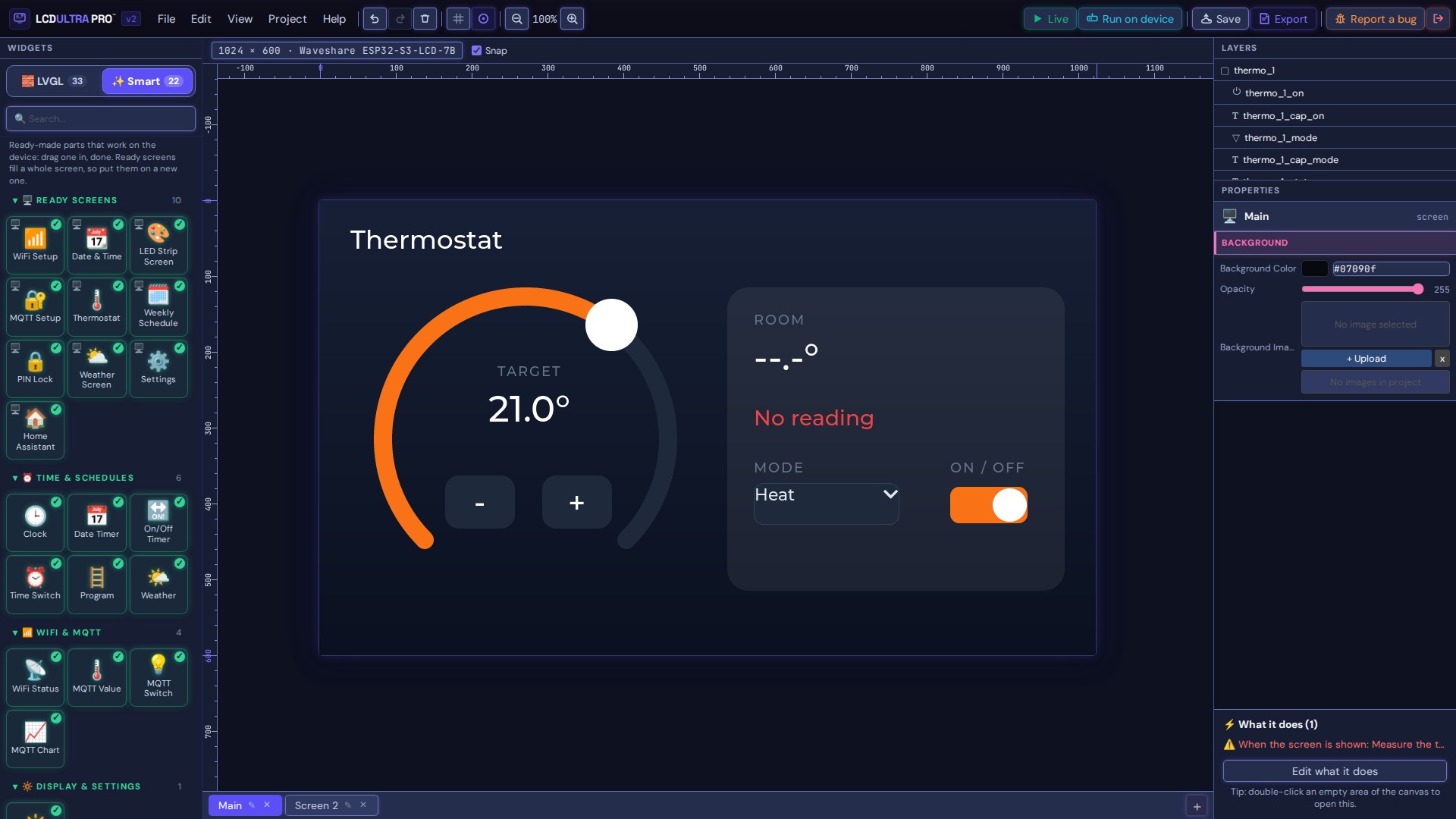
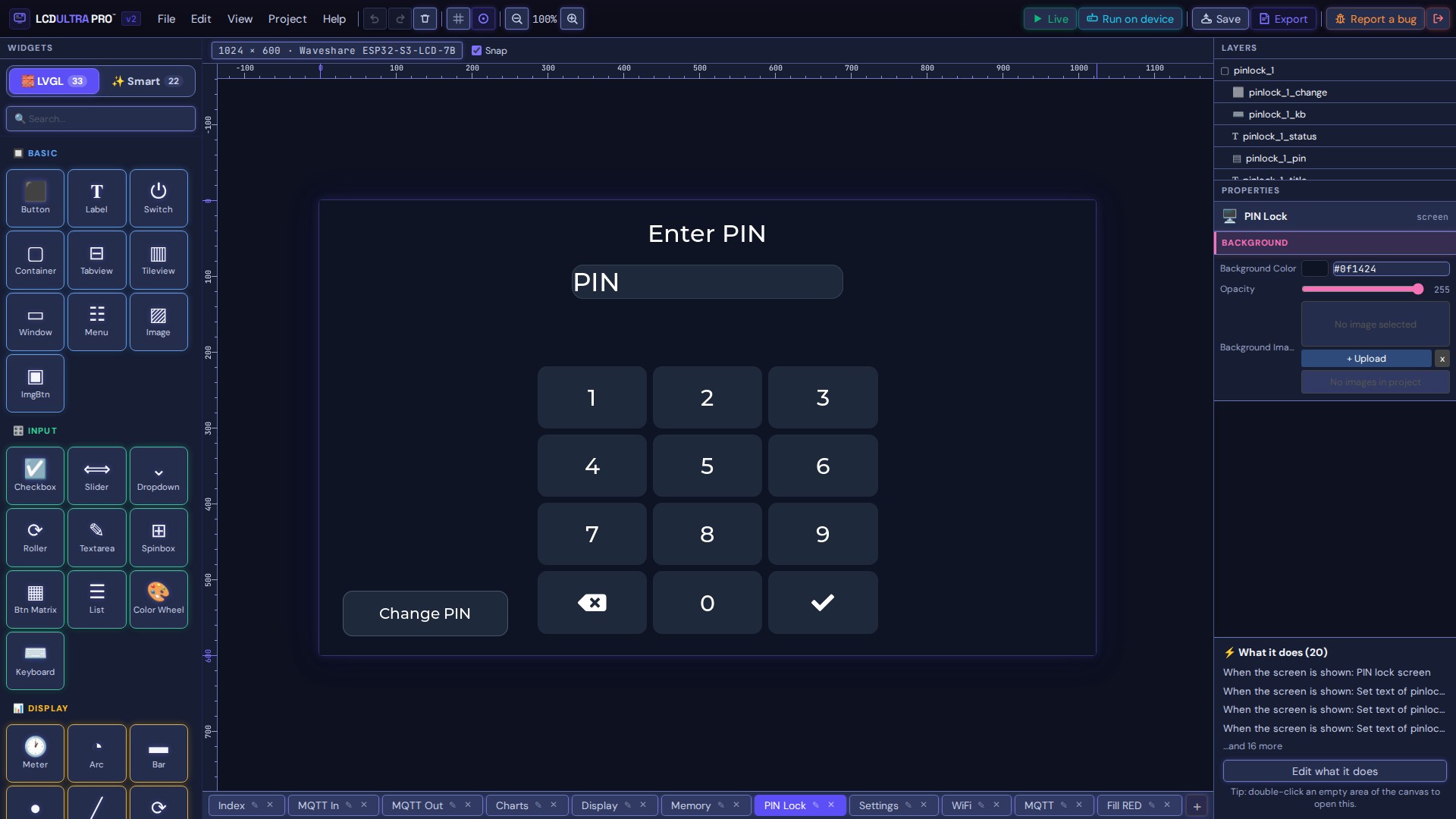
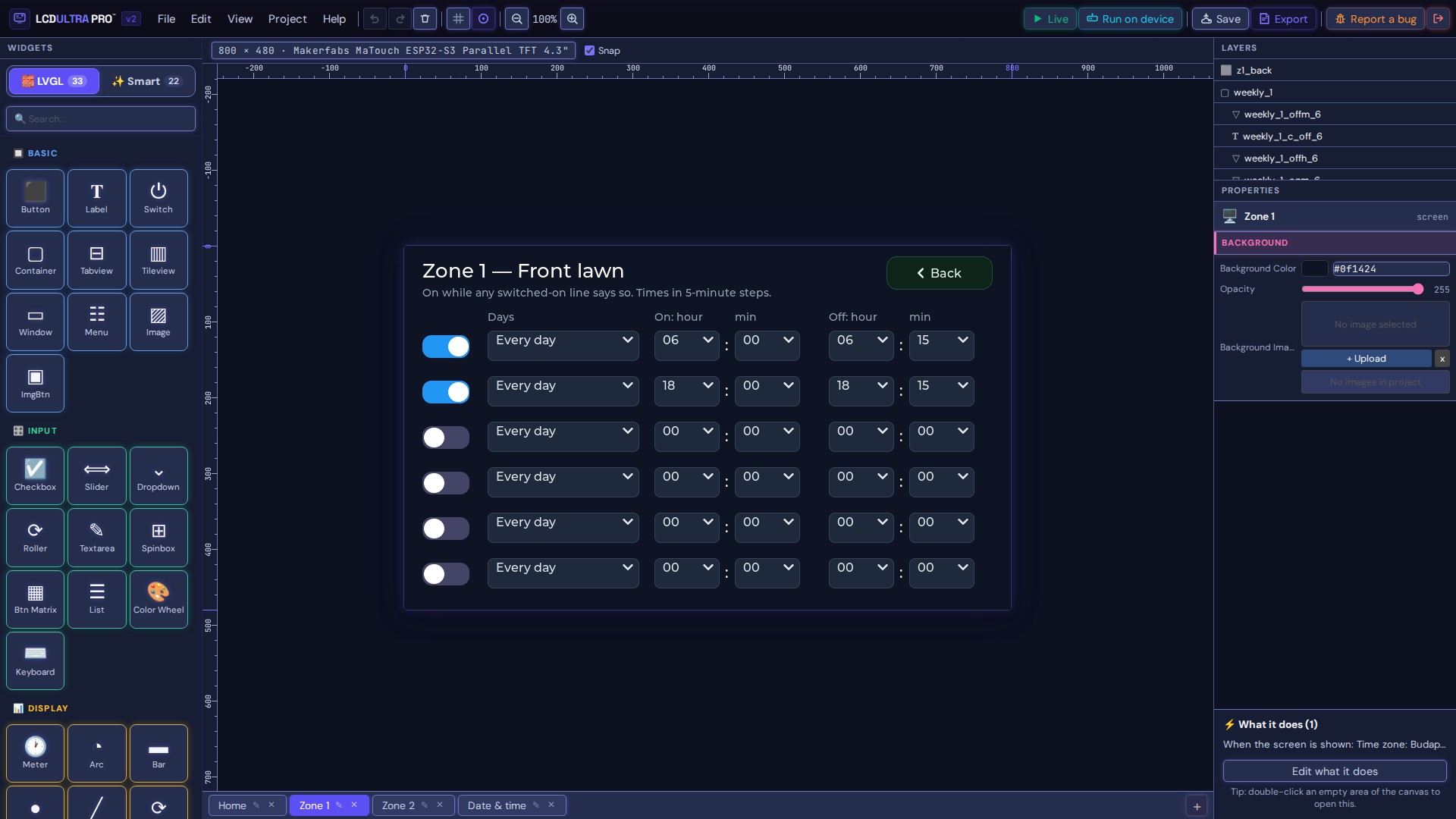
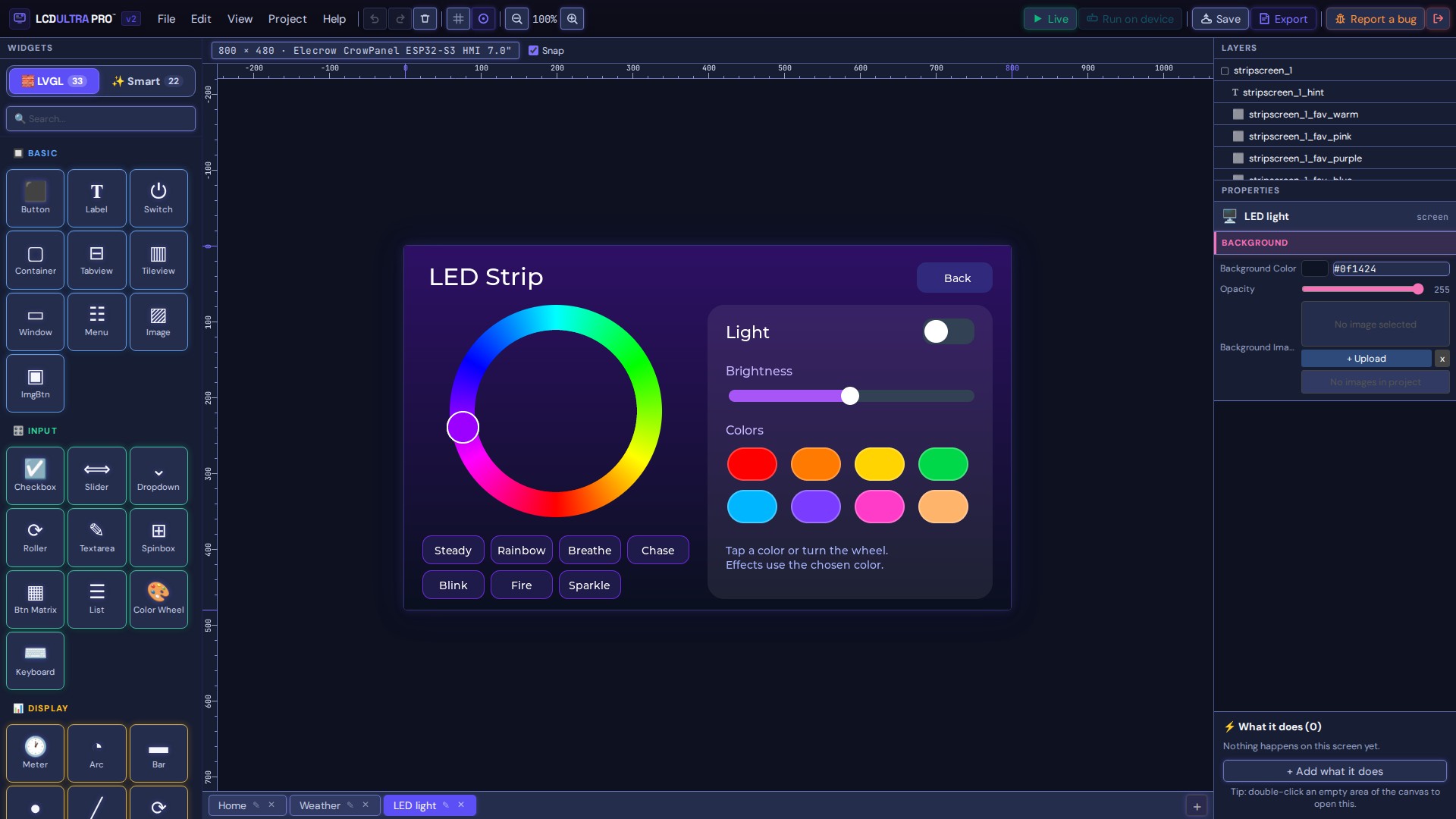
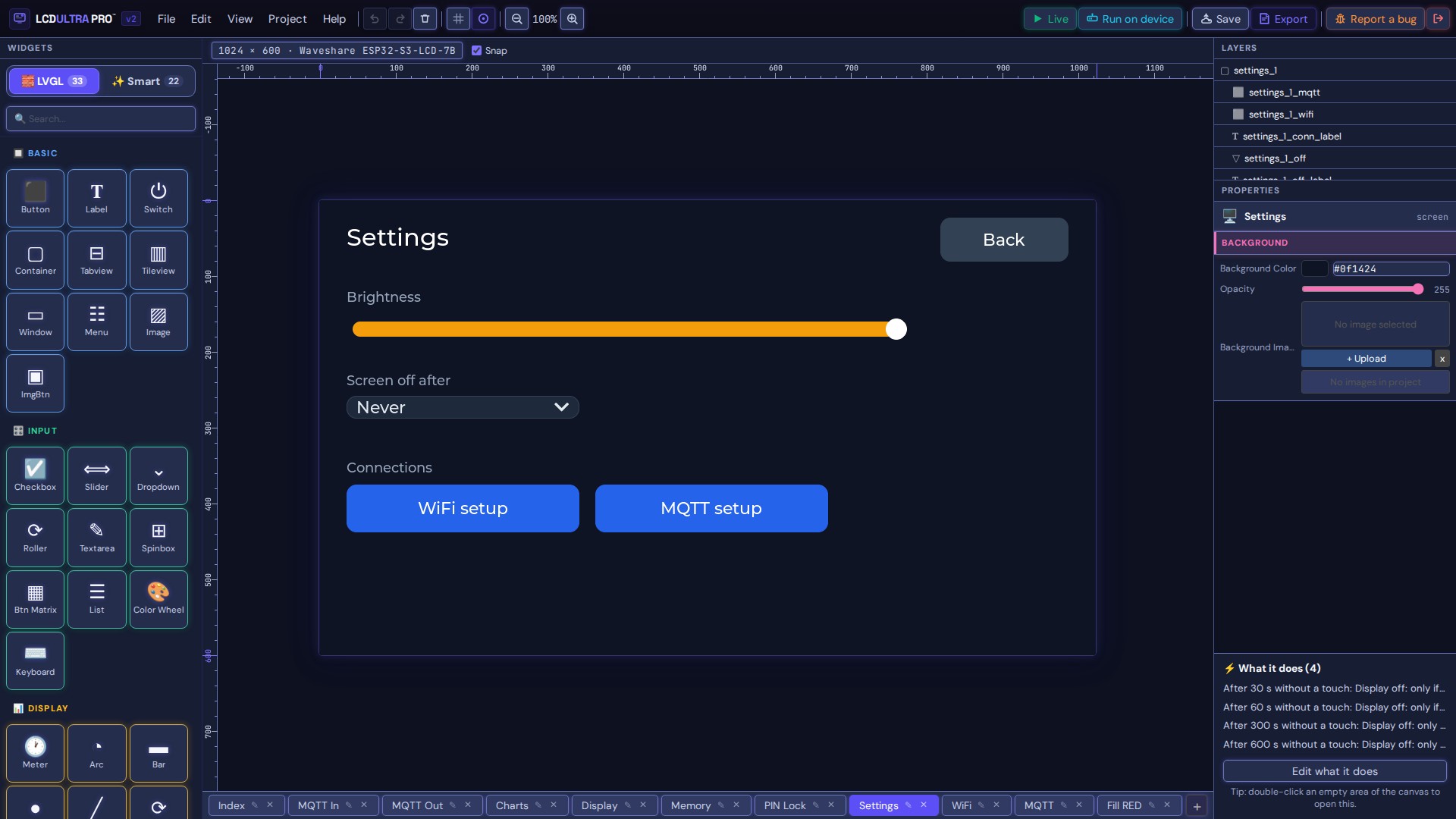
Your own code
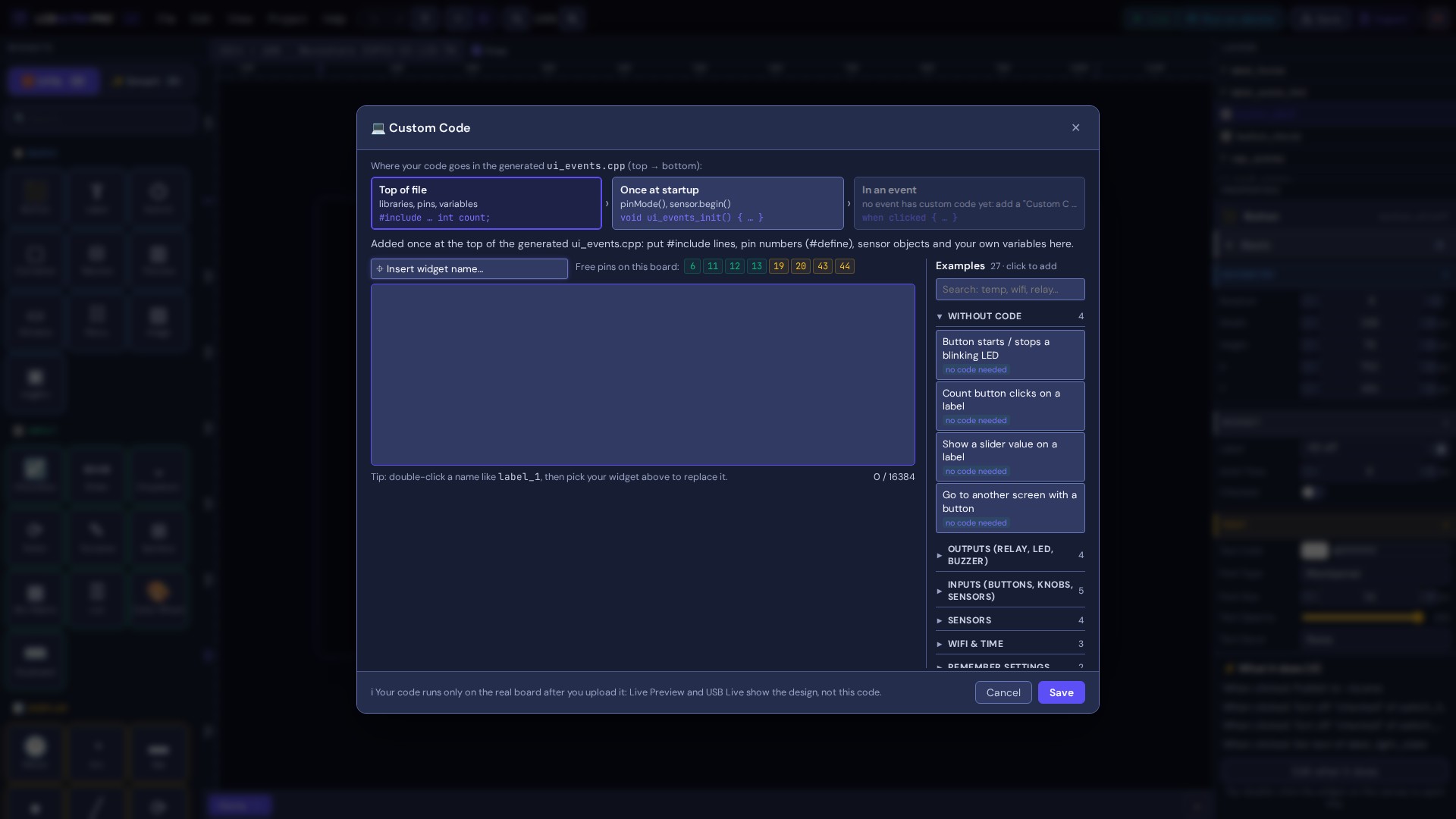
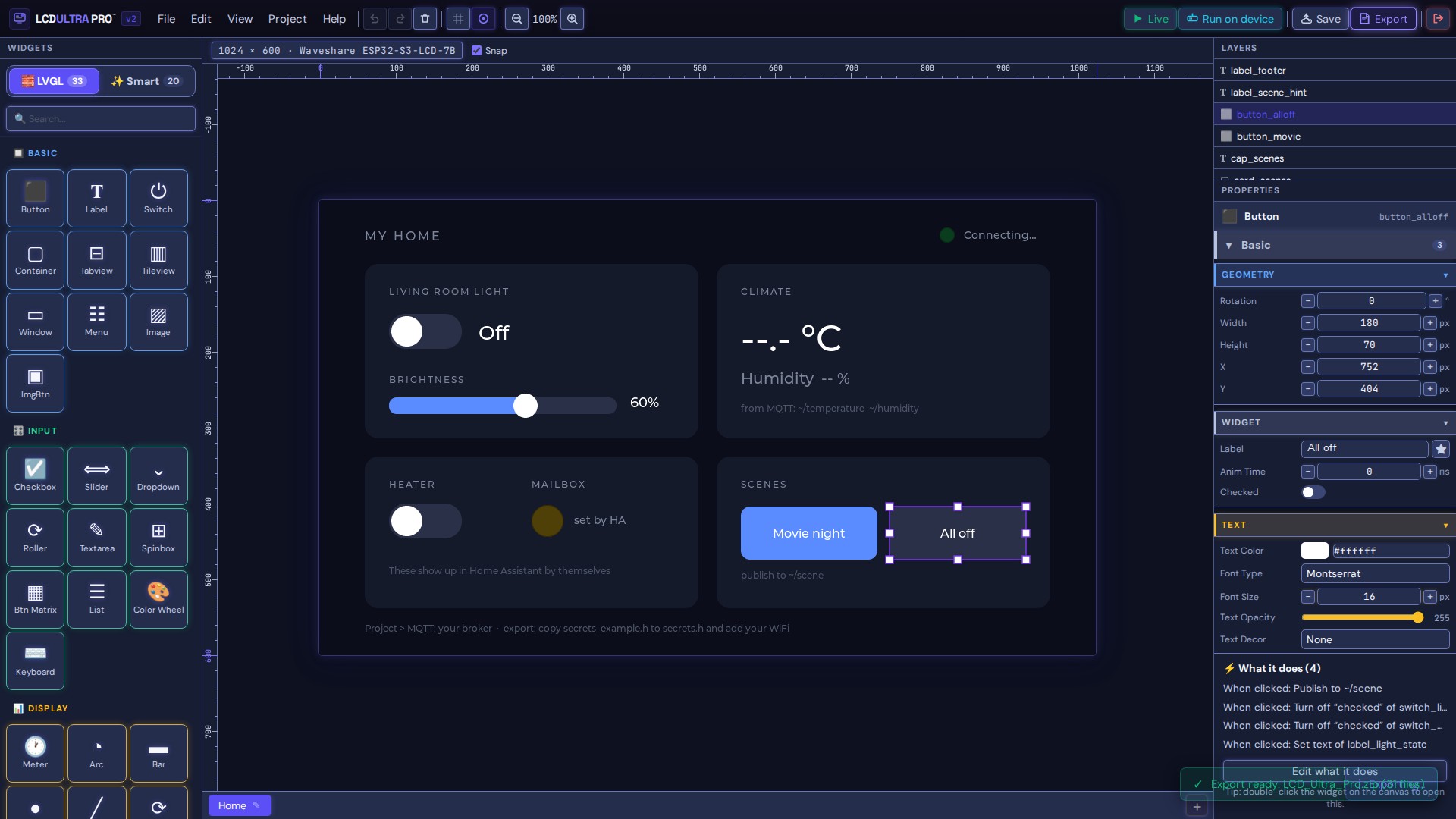
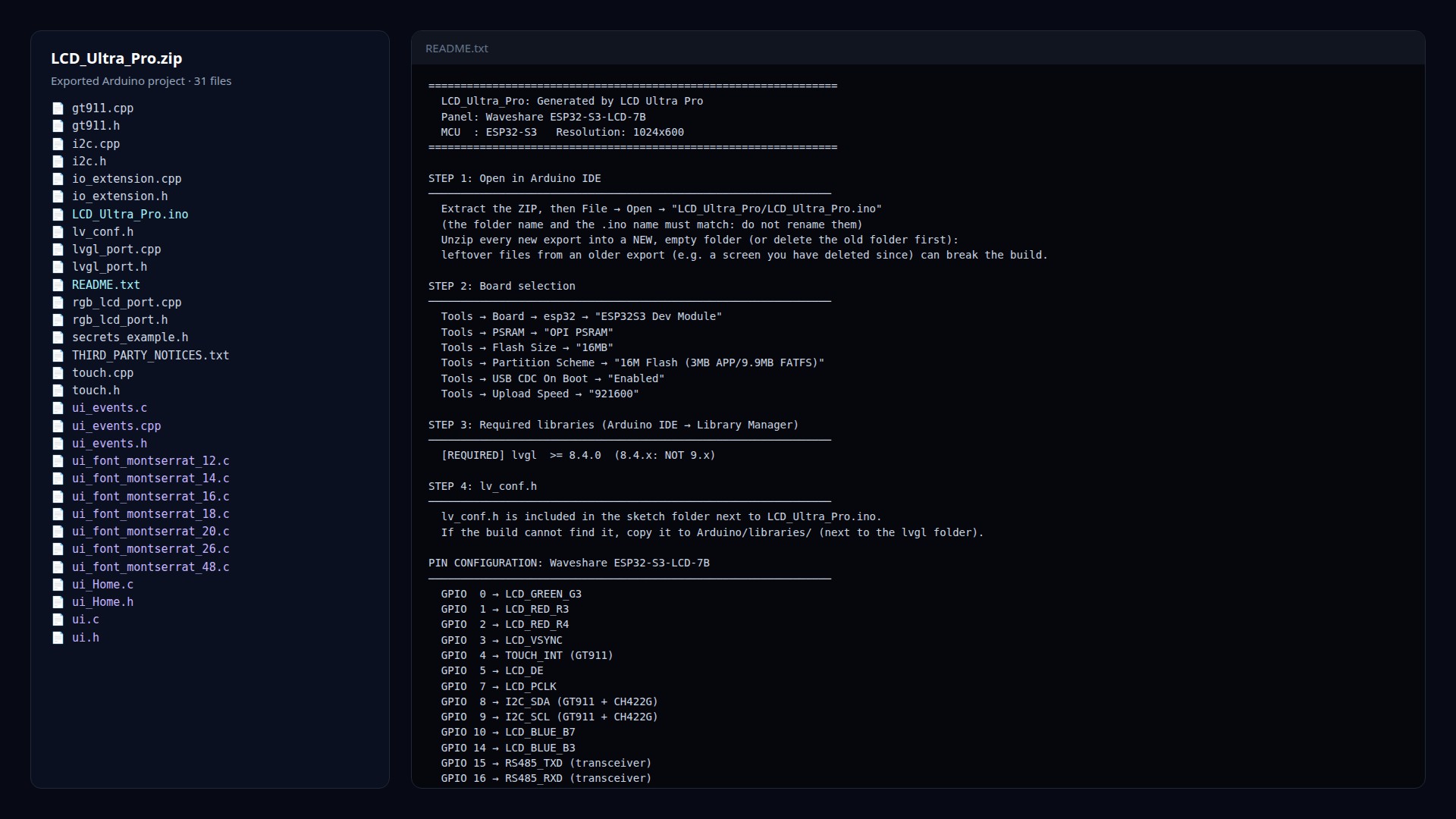
Export
Website and wiki
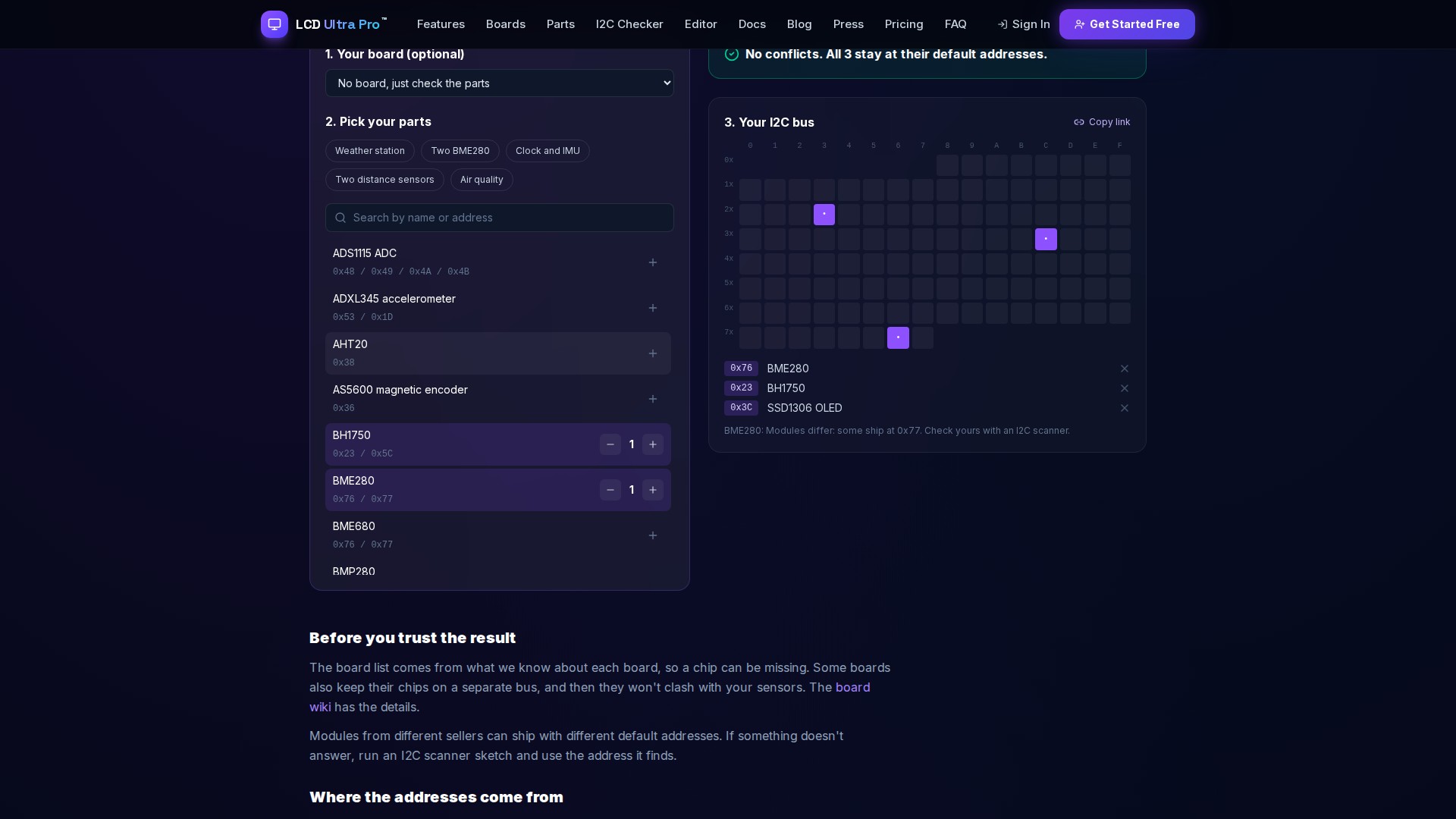
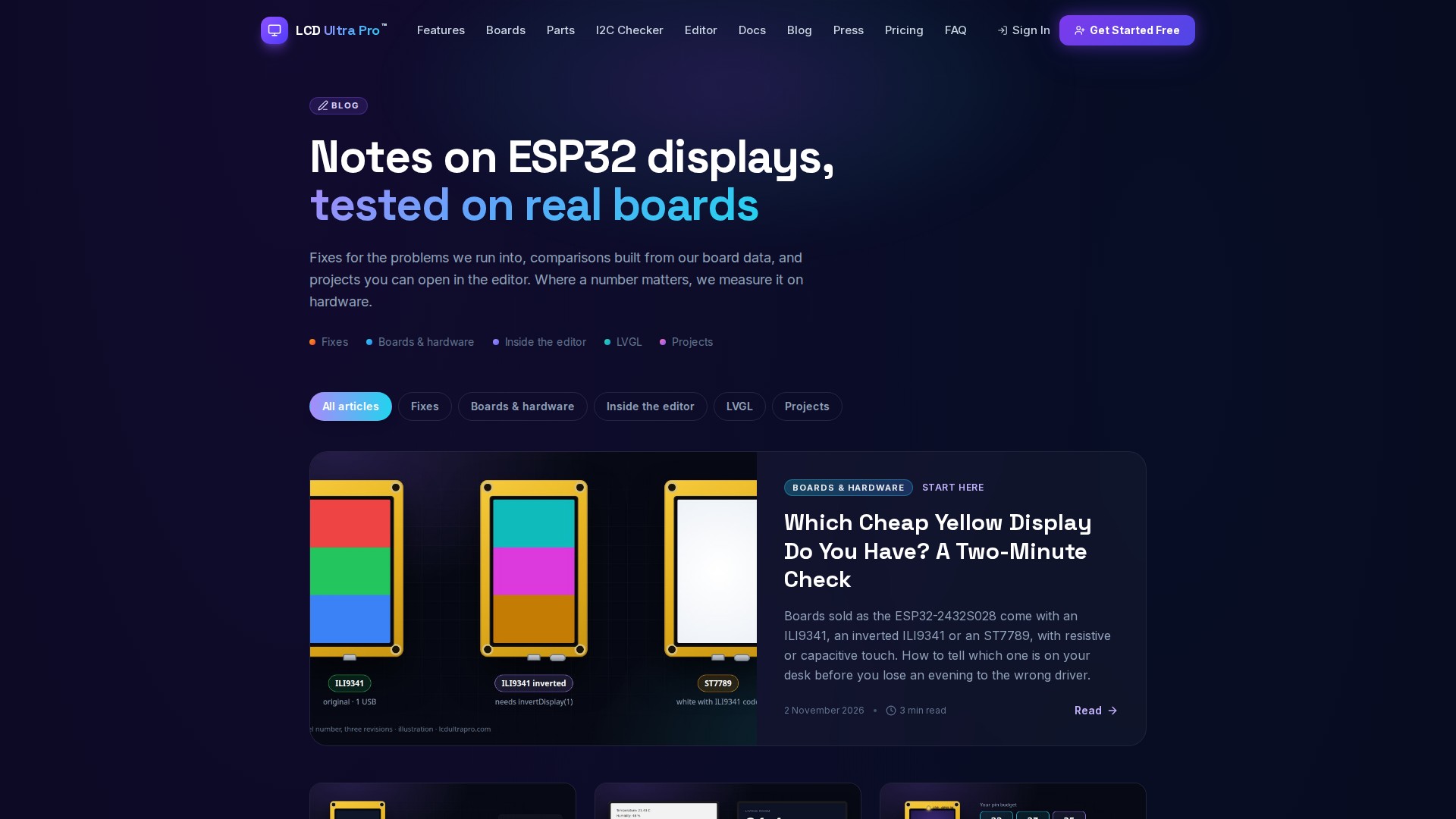
Captured in November 2026 from the editor's demo projects and this website. Both keep changing, so a detail may look a little different today.
The short version
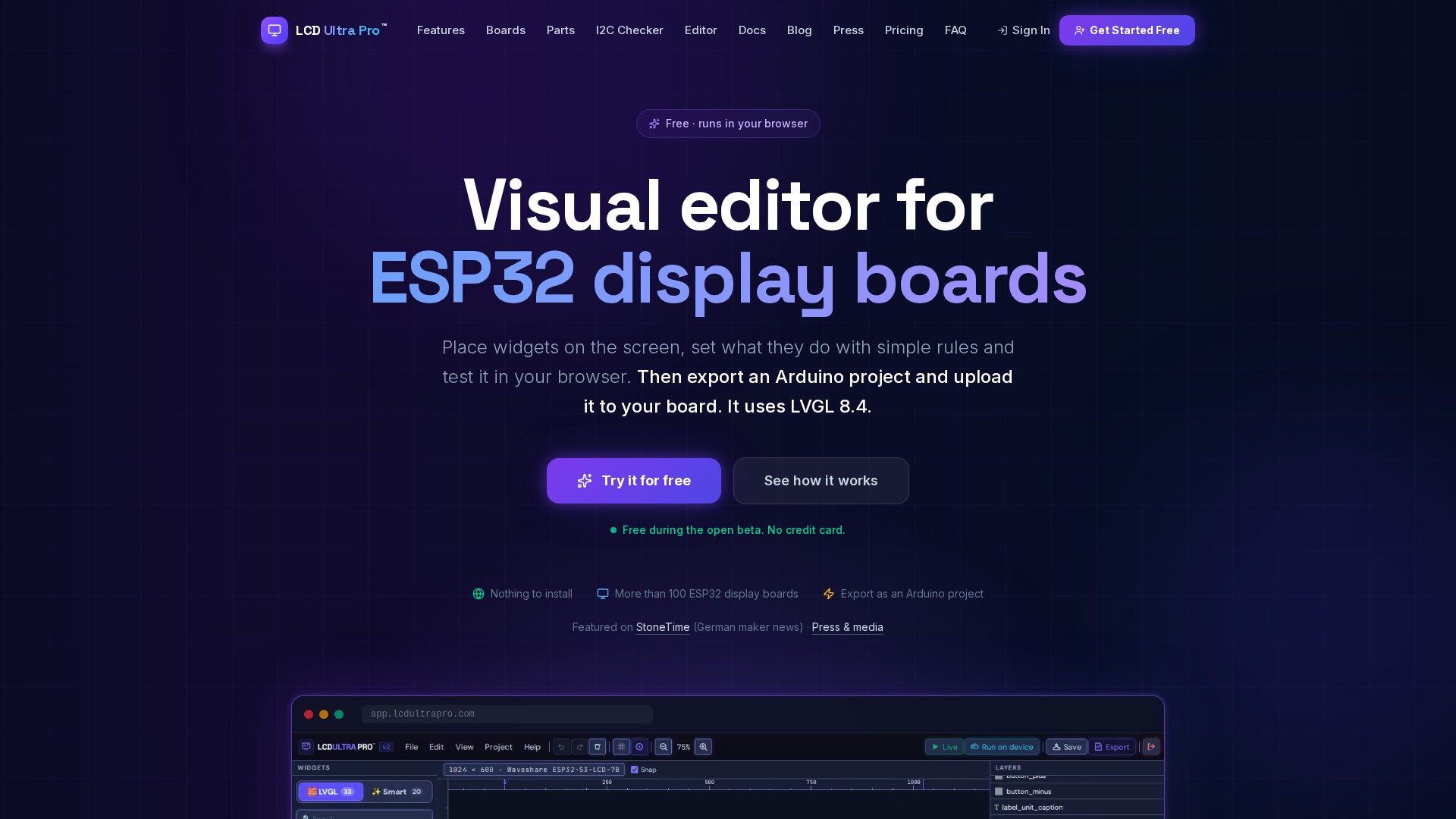
LCD Ultra Pro is a UI editor for ESP32 touch displays that runs in the browser. You design the screens on a canvas that runs real LVGL 8.4 (compiled to WebAssembly), add behaviour with rules instead of code, try them in Live Preview and export a complete Arduino project. On three boards, USB Live shows the design on the display while you edit. It's a free open beta, built by one independent developer in Alicante, Spain.
Limits worth mentioning
- The export targets ESP32 and ESP32-S3 boards.
- LVGL 8.4 only. No 9.x yet.
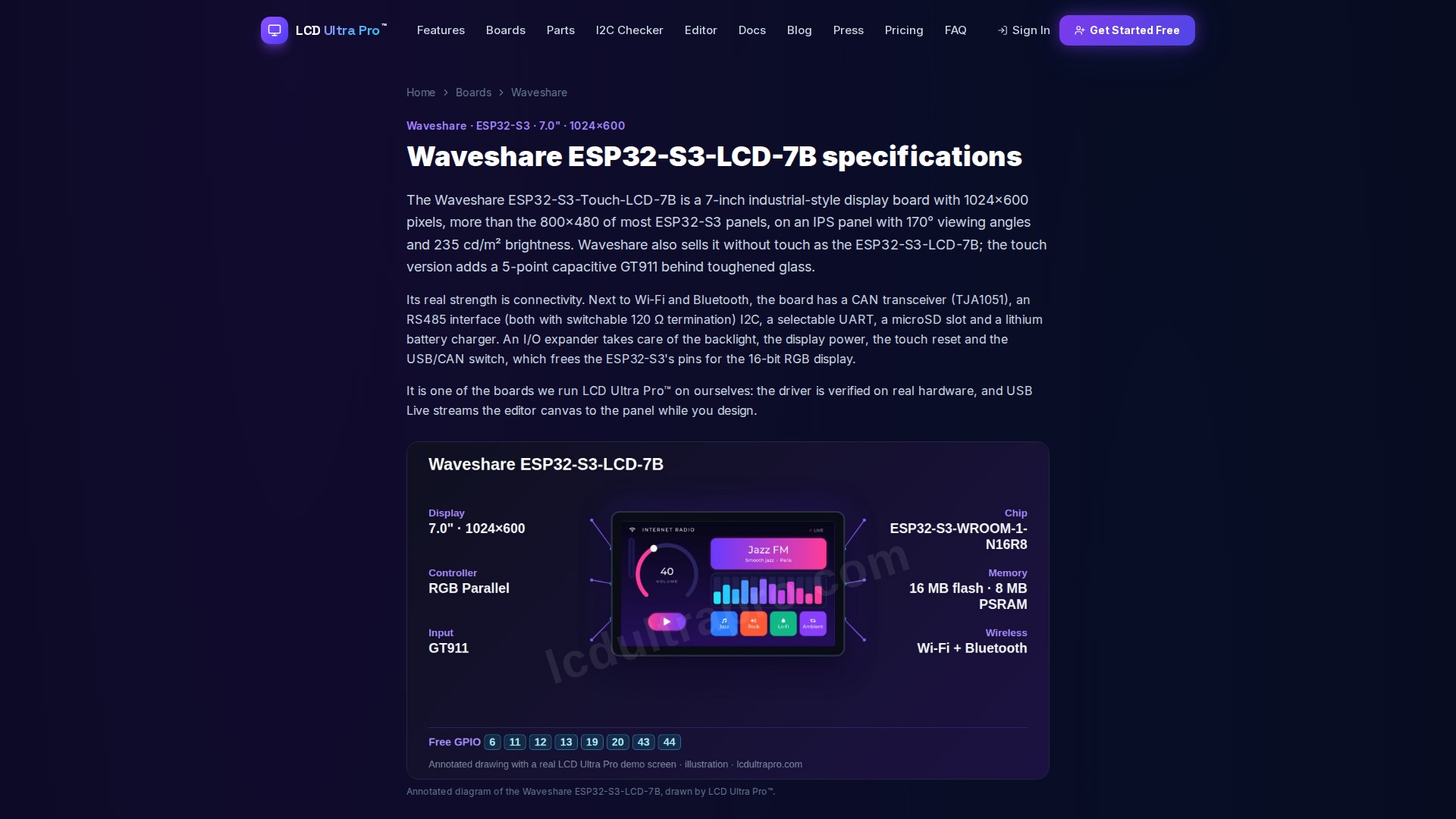
- USB Live works on three boards so far: Waveshare ESP32-S3-Touch-LCD-7B, Makerfabs MaTouch ESP32-S3 Parallel TFT 4.3" and Makerfabs MaTouch Rotary IPS 2.1". It needs Chrome or Edge (Web Serial).
- WiFi and MQTT passwords stay in a local secrets.h file. They never go into the project file or the cloud.
Questions, or a detail you'd like checked before you publish? Write to support@lcdultrapro.com.