Resistive or capacitive
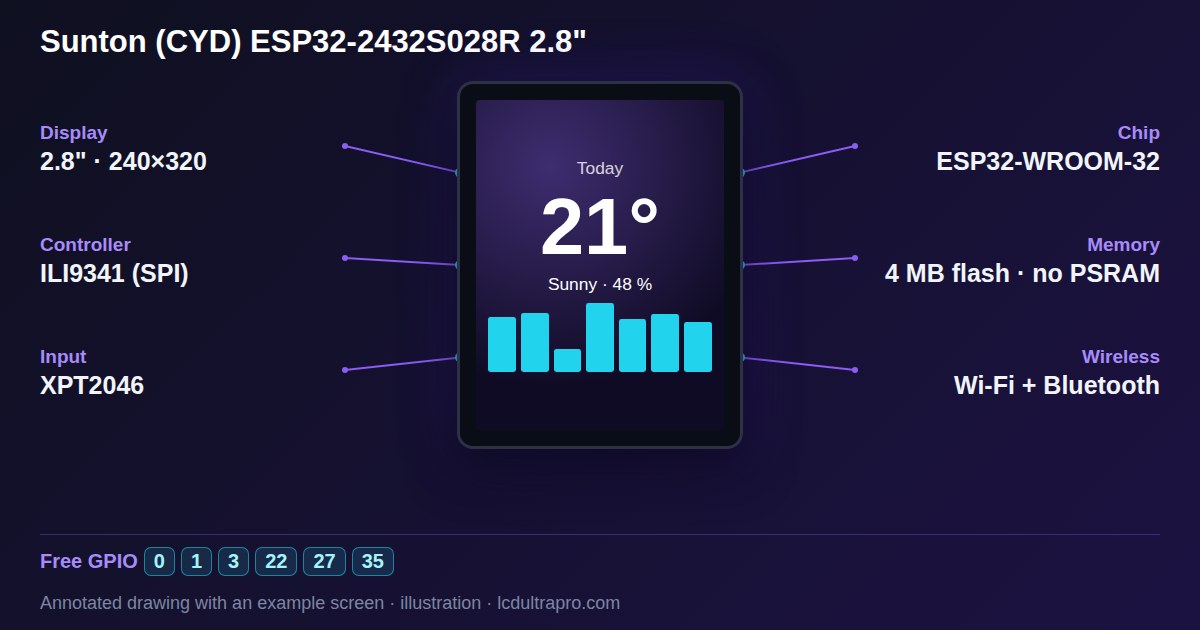
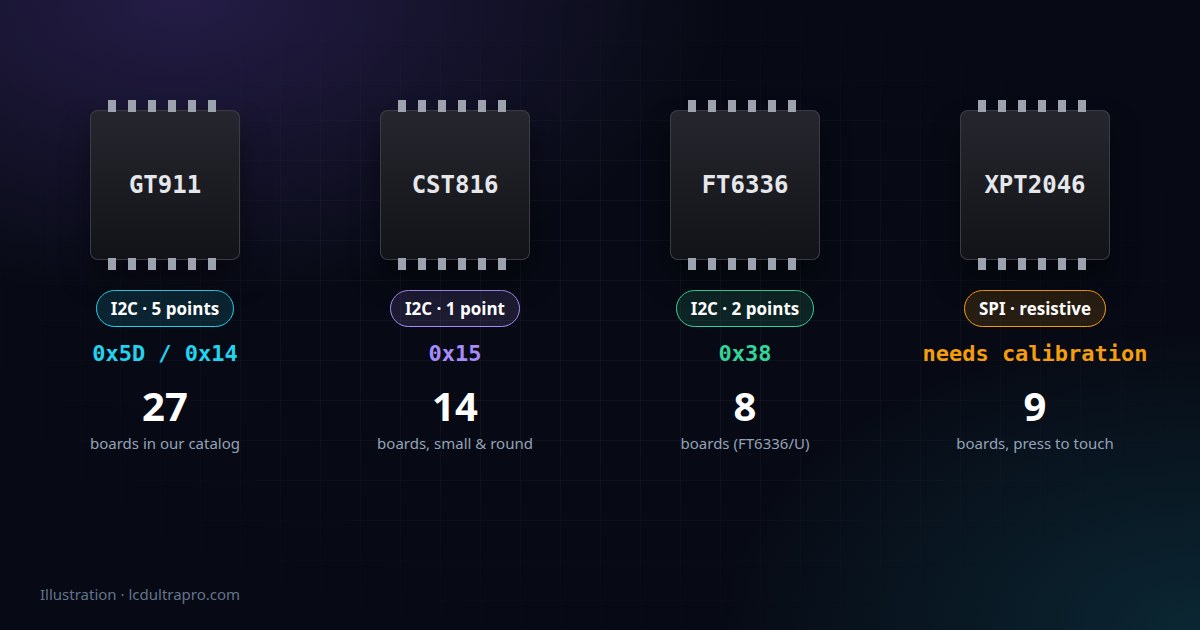
The XPT2046 is the odd one out. It reads a resistive panel, the kind you press rather than touch. It works with a stylus, a fingernail or gloves, it registers one point at a time, and it needs calibration, because the raw values it reports depend on the individual panel. It talks SPI and gives you two 12-bit numbers that have to be mapped onto screen coordinates.
Everything else in this article is capacitive. You touch lightly, the controller does the maths and reports finished screen coordinates over I2C. No calibration, but no gloves either.
Resistive has a reputation for being worse, and for phone-style swiping it is. For a control panel with big buttons, in a workshop or a kitchen where hands aren't always clean, I wouldn't rule it out.
GT911: the one on big screens
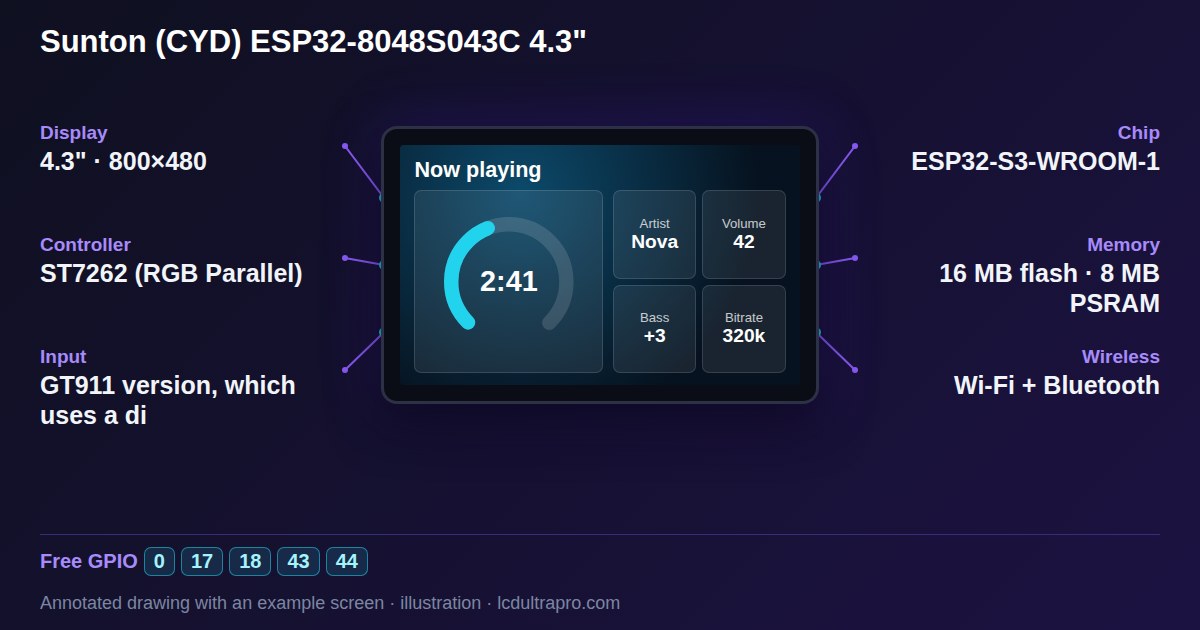
On our list, 19 of the 22 boards with a 4.3 inch or larger screen use a GT911. It tracks up to five touch points and every common library supports it.
Its one real quirk is the I2C address. A GT911 can live at 0x5D or 0x14, and it picks one at power-up depending on what level its INT pin is held at during reset. So if your code looks for 0x5D and an I2C scan finds the chip at 0x14, nothing is broken. The reset sequence just went the other way. Most drivers try both or perform the reset sequence themselves.
The other thing to know is that some boards don't connect the INT pin to the ESP32 at all. The Sunton ESP32-8048S043 is one of them. Touch still works, the driver just has to poll the chip instead of waiting for an interrupt.
CST816 and friends: small and round
Small round screens lean towards Hynitron. Of the 16 round touch boards between 1.2 and 2.1 inches in our catalog, 10 use a chip from the CST816 family or the closely related CST820. The rest are a mix, FocalTech parts on several of the AMOLED versions among them. They're single-touch, sit at address 0x15, and the CST816S can recognise simple gestures on its own: swipes, a tap, a double tap, a long press.
The quirk that confuses people is power saving. On many versions the chip drops into sleep after a few seconds without a touch and stops answering on I2C. Run an I2C scanner on such a board and the touch controller seems to be missing. Touch the screen while the scan runs and it shows up. The drivers deal with this, but it sends a lot of people looking for a wiring fault that isn't there.
FocalTech FT6336 and relatives
FocalTech chips such as the FT6336U don't stick to one size. We have them on everything from a 1.28 inch round M5Stack Dial to a 3.95 inch Makerfabs board. They usually sit at 0x38, the FT6336U handles two touch points, and in general they're among the least fussy of the lot. You'll also see their siblings on our list, the FT6236, FT3267 and FT3168, which behave much the same from the software side.
Display and touch in one chip
A few newer boards skip the separate touch controller. The AXS15231B on Waveshare's 3.5 inch QSPI board and the SPD2010 on its 1.46 inch round board handle both the display and touch in one IC. Fewer parts on the board, but you depend on a driver written for that exact chip, and those are less common than GT911 or CST816 code.
Does multi-touch matter?
Less than the spec sheets suggest. LVGL 8 reads one touch point per input device, so a dashboard built with it uses one finger whether the controller can track five or not. Pinch-to-zoom on a 4.3 inch control panel is rarely what anyone wants anyway. I'd pick a board for its screen size and connectors and treat the touch chip as a detail.
When touch misbehaves
If touch doesn't respond at all on a capacitive board, check the I2C pins and address for your exact board revision before anything else. Some boards exist in more than one revision with different wiring. Touch that works but lands in the wrong place is almost always rotation or mirroring, the coordinates from the controller need to follow the way the display is rotated.
On resistive boards, taps that are a few millimetres off just need recalibration. In the LCD Ultra Pro export for boards like the CYD, the calibration lives in touch.h as four raw edge values, with a comment that explains which way to adjust them. Every panel is a little different, so a few minutes with those numbers is normal, not a sign of a faulty board. The driver for the original Cheap Yellow Display starts from the values the CYD community worked out.
If you're buying a board specifically for a touch project, look at the screen and the free pins first. The touch chip is the least likely thing to be the problem.
- #touch controller
- #gt911
- #cst816
- #ft6336
- #xpt2046
- #i2c