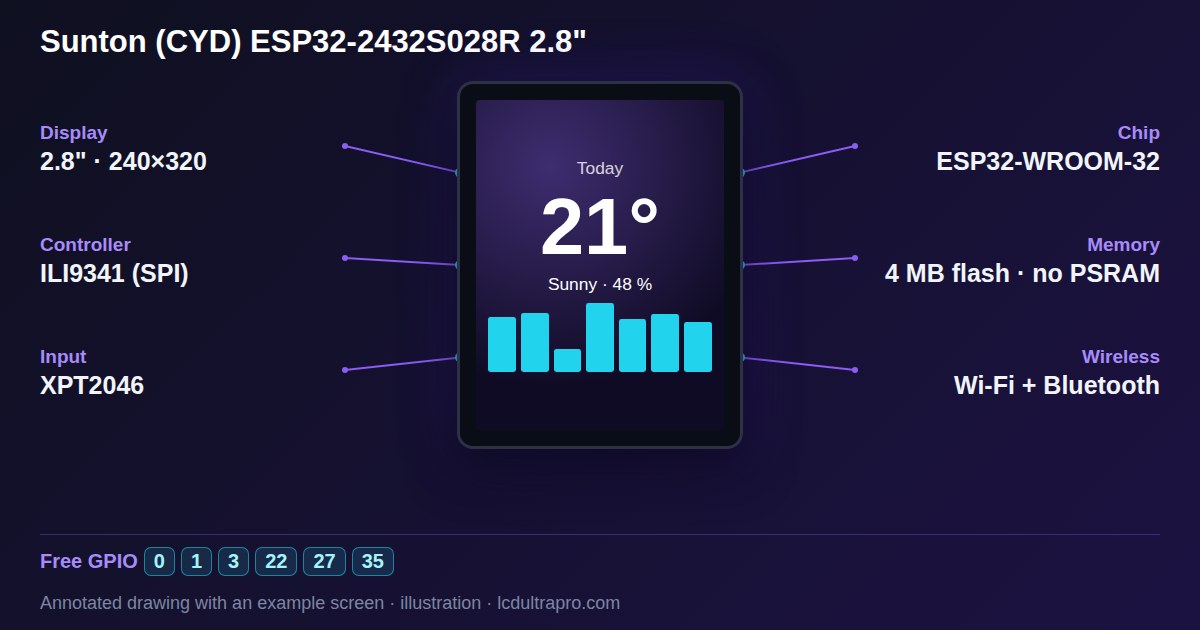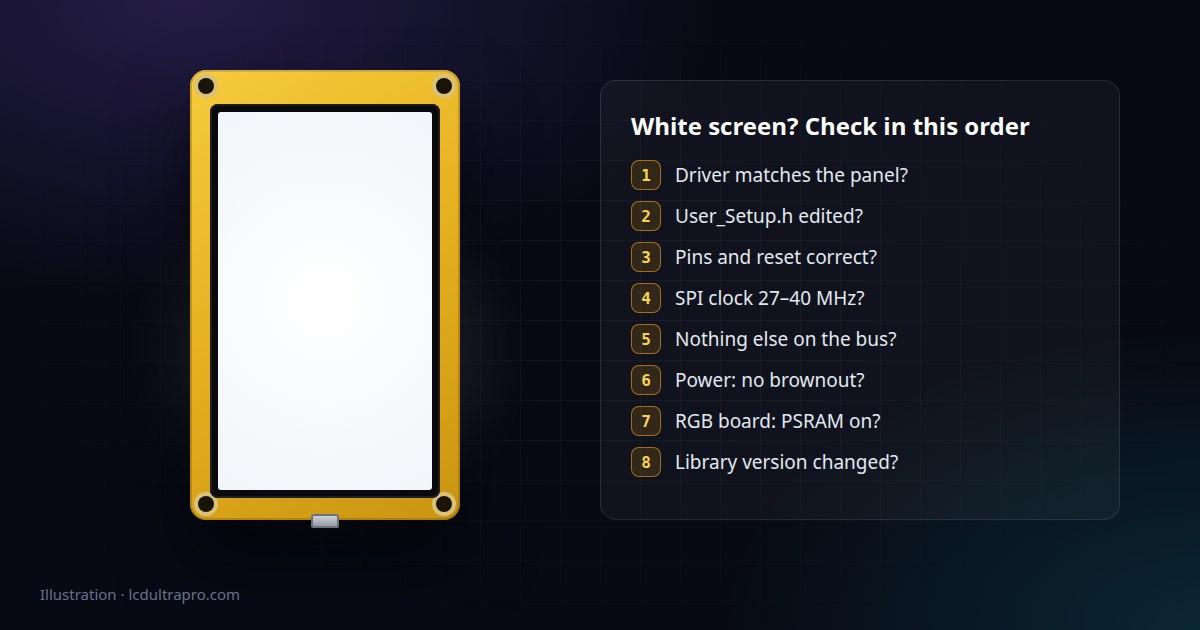
Most cheap ILI9341 panels are TN, the original Cheap Yellow Display's included, and a TN panel with no data looks white. An IPS panel in the same state usually looks black or dark grey instead. So if your IPS screen stays dark, most of what follows applies to you too. Only a screen with no light at all points somewhere else, usually the backlight pin.
Before you change anything
Open the serial monitor and reset the board. Thirty seconds here saves an hour of guessing.
If the log repeats itself every few seconds, the board is rebooting and the display never gets a chance. If you see Brownout detector was triggered, it's power. If the sketch prints its own messages and then carries on normally, the ESP32 is fine and the problem is between it and the panel. That one observation tells you which half of this list to read.
1. The driver doesn't match the panel
This is the big one with Cheap Yellow Displays. The original ESP32-2432S028R uses an ILI9341. Later revisions sold under the same name have either an ST7789 or an ILI9341 that needs its colours inverted. Send ILI9341 commands to an ST7789 and you get white, or at best garbage. Same story with clones of other boards. Sellers swap panels between batches without changing the listing.
Check the board itself rather than the shop page. A second USB port or a different revision number on the PCB is a hint, but only a hint, because two-port boards have shipped with both panels. If you're unsure, just try the other driver. Nothing breaks if you guess wrong. For the CYD specifically, there's a two-minute check for which revision you have.
2. The library is still using its default pins
TFT_eSPI is fast and popular, and it catches out almost everyone once. It doesn't read pin settings from your sketch. It reads them from User_Setup.h inside the library folder, or from a setup file that User_Setup_Select.h points to. Define your pins in the .ino and the library ignores them completely, then talks to pins that have nothing to do with your board.
Updating the library through the Library Manager overwrites that file, too. So a board that worked last month can go white after an update without you touching your code.
3. One pin is wrong
If you're wiring a separate display module to a dev board, recheck MOSI, SCLK, CS and DC against the actual sketch. A swapped DC and CS is enough for a white screen. On ready-made boards like the CYD the wiring is fixed, so this only bites if the pin numbers in your config don't match the board, which brings you back to point 2.
The reset pin deserves its own mention. Some boards wire it to a GPIO, others tie it to the ESP32's own reset and expect you to set it to -1 in the config. Get it the wrong way round and the panel either never comes out of reset or never gets reset at all.
4. The SPI clock is too fast
A display on a breadboard with 15 cm jumper wires will not run at 80 MHz, whatever the example says. Drop it to 27 or 40 MHz and try again. On boards where the panel sits right next to the ESP32 this is rarely the problem, but on a home-made setup it's one of the first things I'd try.
5. Something else is on the bus
If an SD card reader or a touch controller shares the display's SPI bus and its CS pin floats, it can answer at the same time as the display and garble everything. Every device on a shared bus needs its CS held high when it isn't being talked to. The original CYD avoids this by giving touch its own bus, which is a good reason not to add anything to it.
6. Power
A weak USB port, a thin cable or a long USB hub chain can sag just enough to reset the ESP32 when Wi-Fi starts or the backlight comes on. The screen flashes white, the board restarts, and it loops. The serial log shows it straight away. Try a different cable and plug straight into the computer or a decent 5 V supply before you blame anything else.
7. Big RGB screens: PSRAM is off
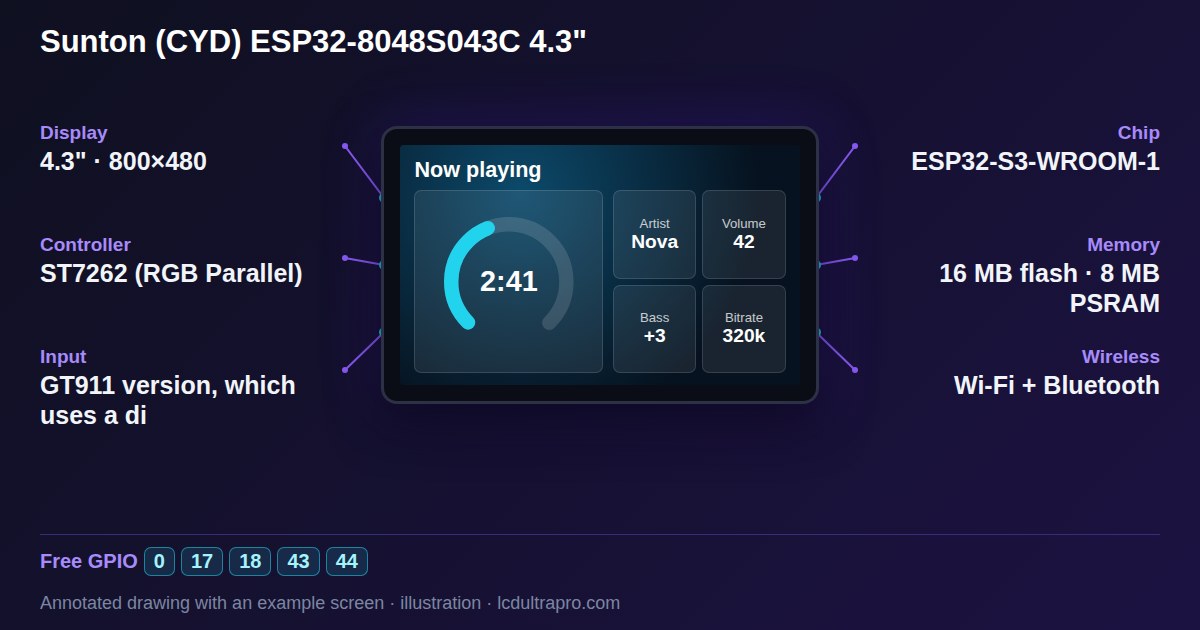
The 4.3, 5 and 7 inch ESP32-S3 boards drive their panels over a parallel RGB bus, and the frame buffer lives in PSRAM. If PSRAM is disabled in the Arduino IDE, or set to the wrong type, the buffer can't be allocated and the panel never gets a picture. On boards like the Sunton ESP32-8048S043 that means Tools → PSRAM → OPI PSRAM, along with the right flash size.
Some square and round RGB panels, the ST7701 ones for example, also need a short initialisation sequence over a separate 3-wire SPI link before the RGB data means anything. A generic RGB example that skips it compiles fine and shows nothing.
8. A library or core update changed something
Display libraries change more than you'd hope. Arduino_GFX, for one, has changed constructor arguments between versions, and the ESP32 Arduino core went through big changes from 2.x to 3.x. Sometimes that's a compile error, which is annoying but obvious. Sometimes it compiles and the screen stays white. If a project worked and then stopped after an update, install the old versions and see if it comes back.
A quick way to narrow it down
Strip everything back to the simplest example your display library ships with, the one that fills the screen with a colour. If that works, the hardware and the pin config are fine and the problem is in your project. If even that stays white, go through points 1 to 4 with only that example loaded. Debugging a full UI with Wi-Fi and sensors on a screen that has never shown a single pixel is the slow way round.
How LCD Ultra Pro avoids most of this
For boards with a ready-made driver, the export from the editor includes that driver, so the pins, the panel type and the reset handling are already set. The README lists the exact Arduino IDE settings for that board, PSRAM and flash size included, and the library versions the driver was compiled against. It also tells you to unzip every export into a new folder, because leftover files from an older export can break the build. The README also says which hardware version the driver was written for, which covers point 1.
One last thing. If you're stuck between two drivers on an unmarked CYD, stop reading forum threads and flash both. It takes five minutes and gives you a real answer.
- #white screen
- #esp32 display
- #tft_espi
- #ili9341
- #st7789
- #rgb display