Turn it over
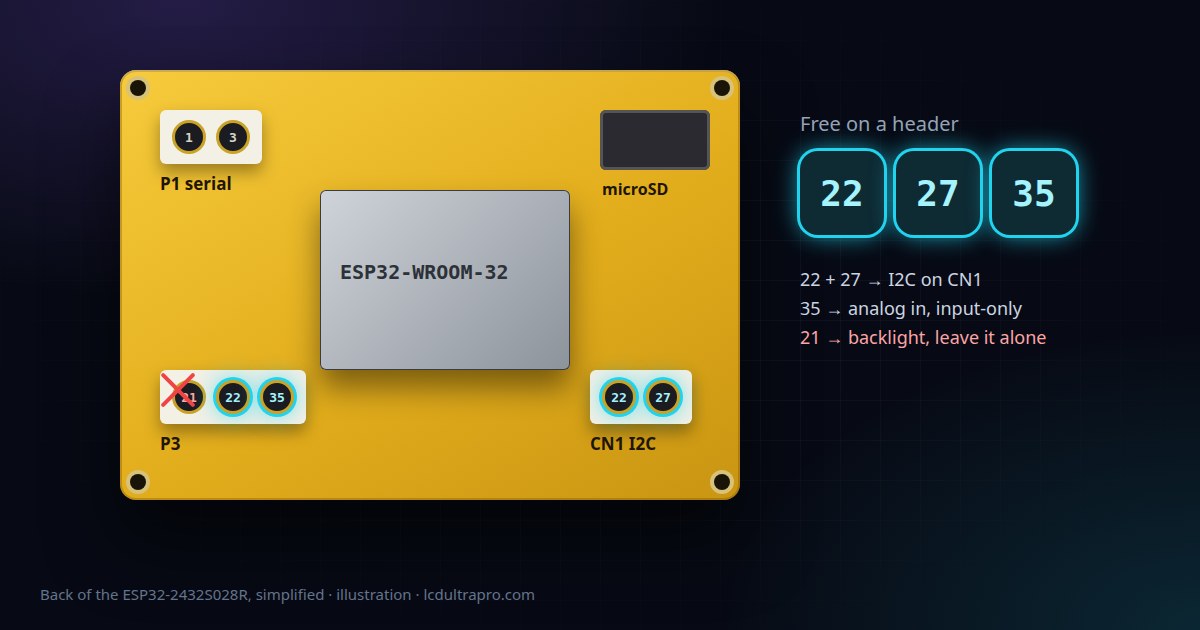
The model number is printed on the back in gold lettering, next to the speaker connector. If it doesn't say 2432S028, you don't have a Cheap Yellow Display at all, you have one of its many lookalikes, and most CYD examples won't work without changes. The 2.4 inch 2432S024 and the 3.2 inch 2432S032 look very similar from the front.
The letter after the number matters too. In the PlatformIO board definitions that most people use, R means resistive touch, C means capacitive and N means no touch at all. Press the screen with a fingernail. If it reacts to a fingernail and not to a light brush of your fingertip, it's resistive.
Count the USB ports
The original board has one micro-USB port. Later batches, often sold as CYD2USB, have two: micro-USB and USB-C. That second port tells you you're not on the original, but it doesn't tell you which display controller you have. Two-port boards have shipped with two different panels.
The three resistive revisions
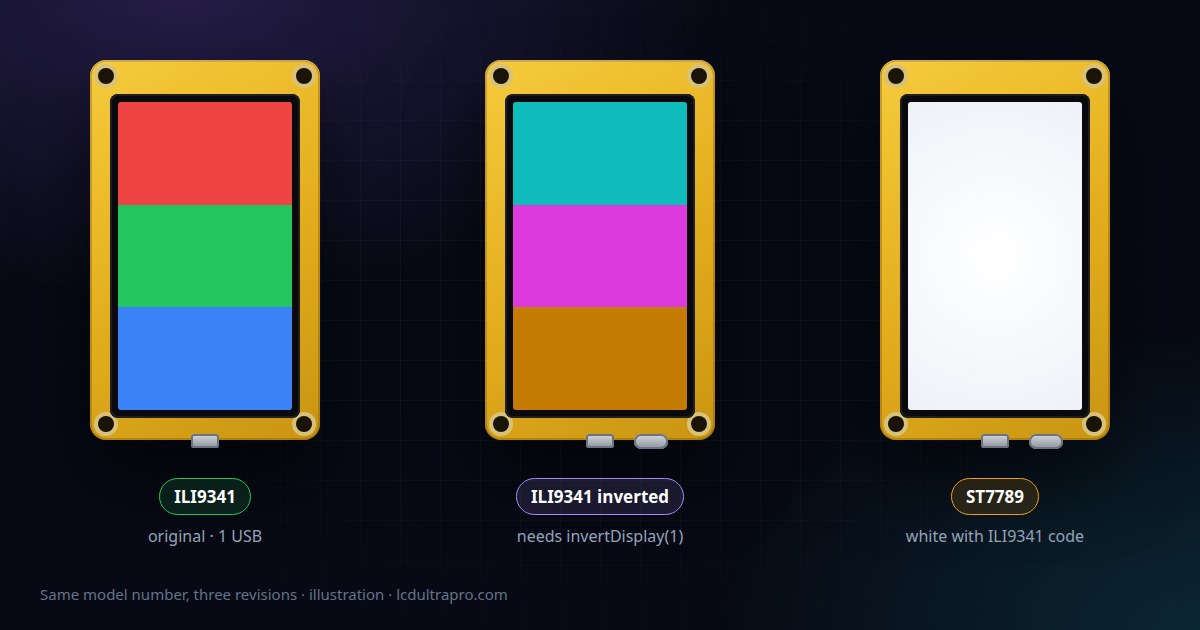
rzeldent's PlatformIO board definitions for Sunton boards list three versions of the resistive 2432S028. The pins are the same on all three. What changes is the display controller and how it has to be set up.
| Revision | Display | What you'll see with the wrong setup |
|---|---|---|
| Original (v1) | ILI9341 | Works with almost every CYD example |
| v2 | ILI9341, colours inverted | Image looks like a negative |
| v3 | ST7789 | White screen or garbage with ILI9341 code |
So the quickest test is a sketch that fills the screen with red, then green, then blue. Normal colours on an ILI9341 setup: you have the original. A negative image: it's the inverted ILI9341, and one line fixes it. White screen: try the ST7789 driver.
tft.init();
tft.invertDisplay(1);   // colours were a negative without this
Brian Lough's Cheap Yellow Display repository has a ready-made User_Setup.h for the two-port board, and its PlatformIO examples let you pick CYD or CYD2USB. It also notes that the two-port version can look a bit washed out and suggests a gamma tweak if that bothers you.
If it's the capacitive one
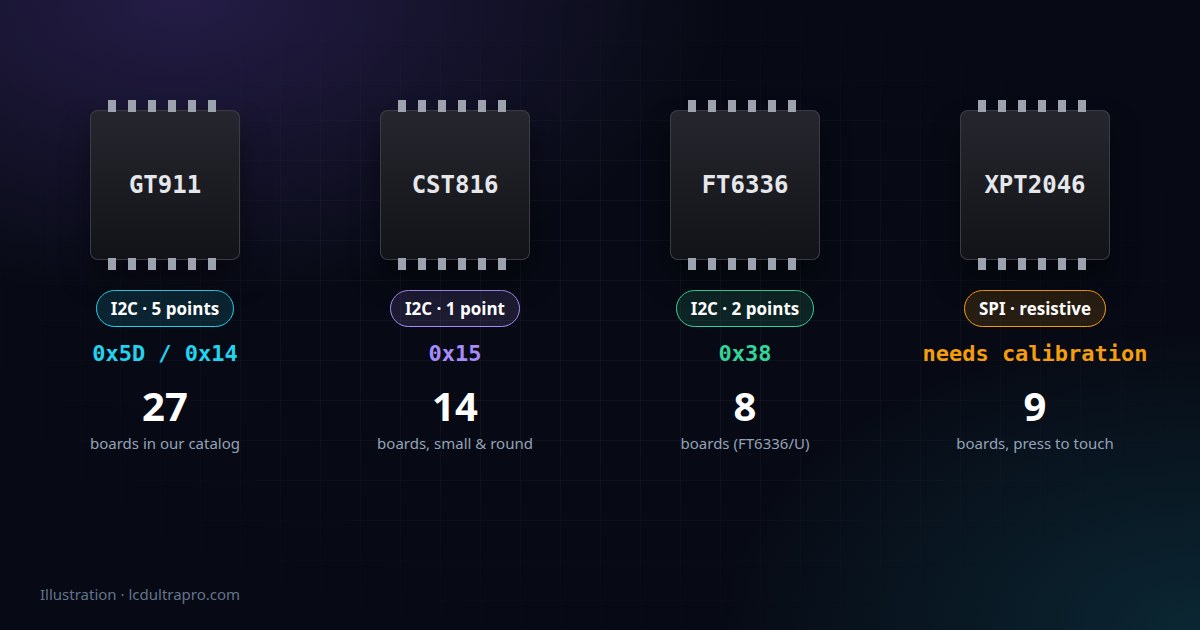
The 2432S028C swaps the XPT2046 for a capacitive controller on I2C, usually listed as a CST820. That frees up the touch SPI pins but uses I2C pins instead, so anything you've read about the resistive board's touch pins doesn't apply. There's less written about this version, so take the pinout from its own documentation rather than from a CYD tutorial.
Two quirks of the two-port board
Its USB-C port has no resistors on the CC lines. That sounds obscure, but it means a USB-C to USB-C cable won't power it. A USB-C to USB-A cable, or an adapter on a USB-C laptop, works fine. If the board seems dead on a modern charger, that's probably why.
Uploads can also fail with Wrong boot mode detected (0x13) on some computers. That one isn't specific to the two-port board, but it's where people tend to hit it. Holding BOOT while the upload starts usually gets you through. The permanent fix in the CYD repo's troubleshooting page is swapping a 0.1 µF capacitor between EN and GND for something between 1 and 10 µF, which is C4 on the original and C5 on the USB-C version.
Once you know
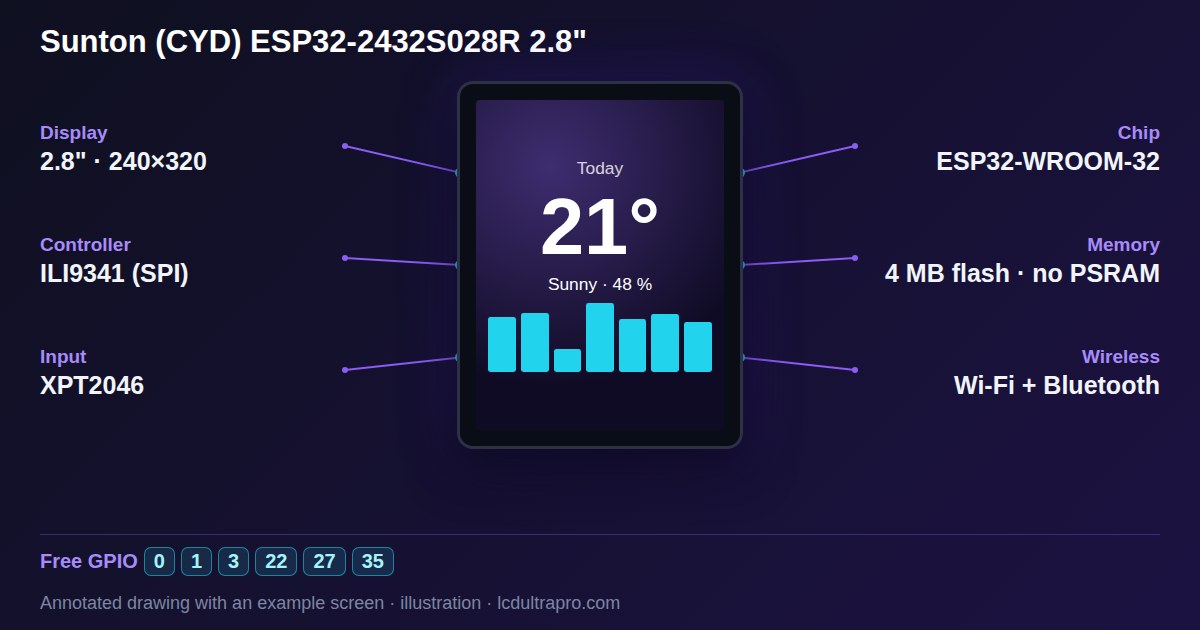
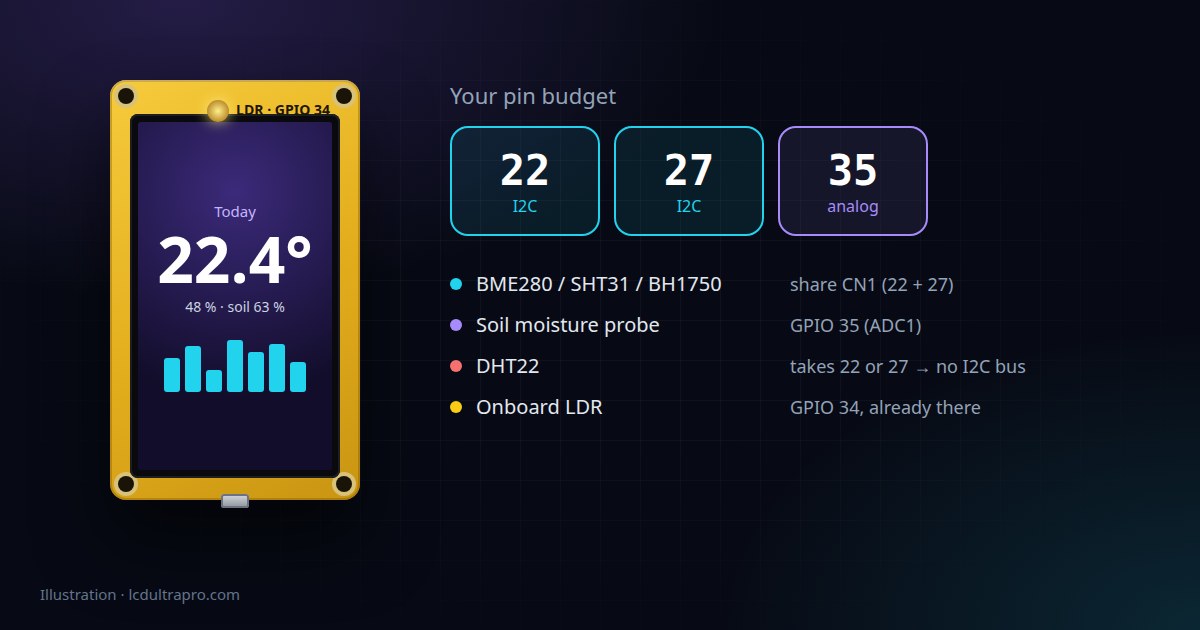
For the original board, our ESP32-2432S028R page has the full pin list and specs. The display, touch and backlight pins match across the resistive revisions, so the guide to which GPIOs you can use should hold whatever your test showed. If the screen is still white after you've picked the right driver, the white screen checklist goes through the other usual suspects.
Write the revision on a bit of tape on the back. You'll forget, and the next time you pull it out of a drawer you'll be glad you did.
- #cheap yellow display
- #cyd2usb
- #esp32-2432s028r
- #ili9341
- #st7789