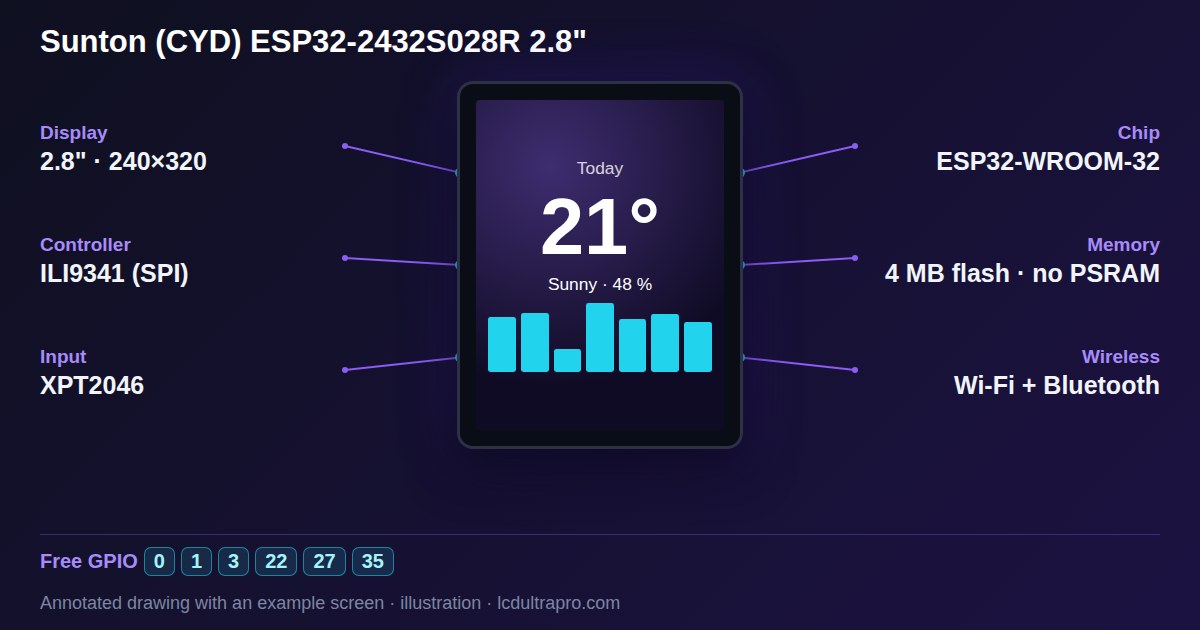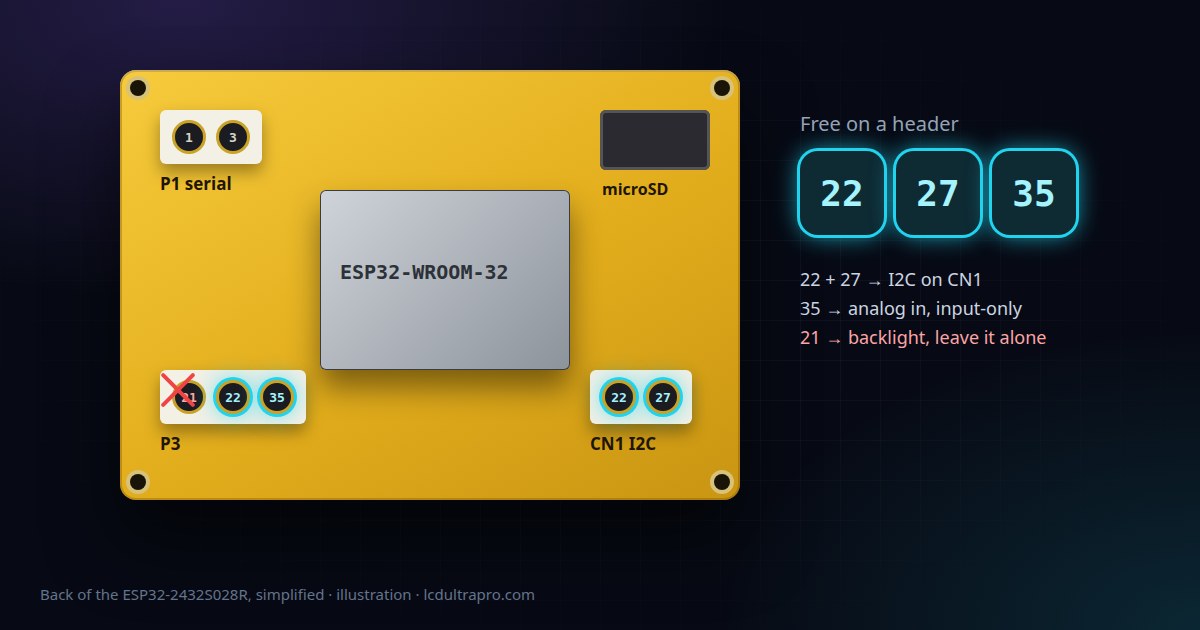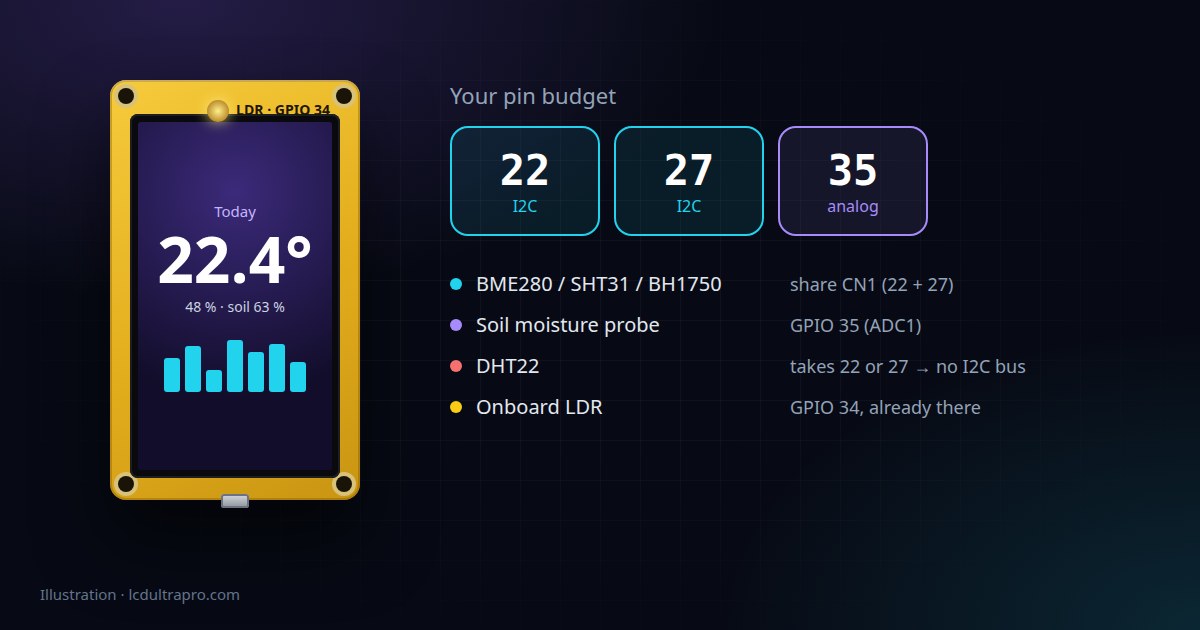
Quick recap, since it decides everything below. GPIO 22 and 27 sit on the CN1 connector with 3.3 V and ground, and together they make an I2C bus. GPIO 35 is on P3 and can only read, but it's an analog input that keeps working with Wi-Fi on. The full pin breakdown explains why there isn't more.
Start with the one you already have
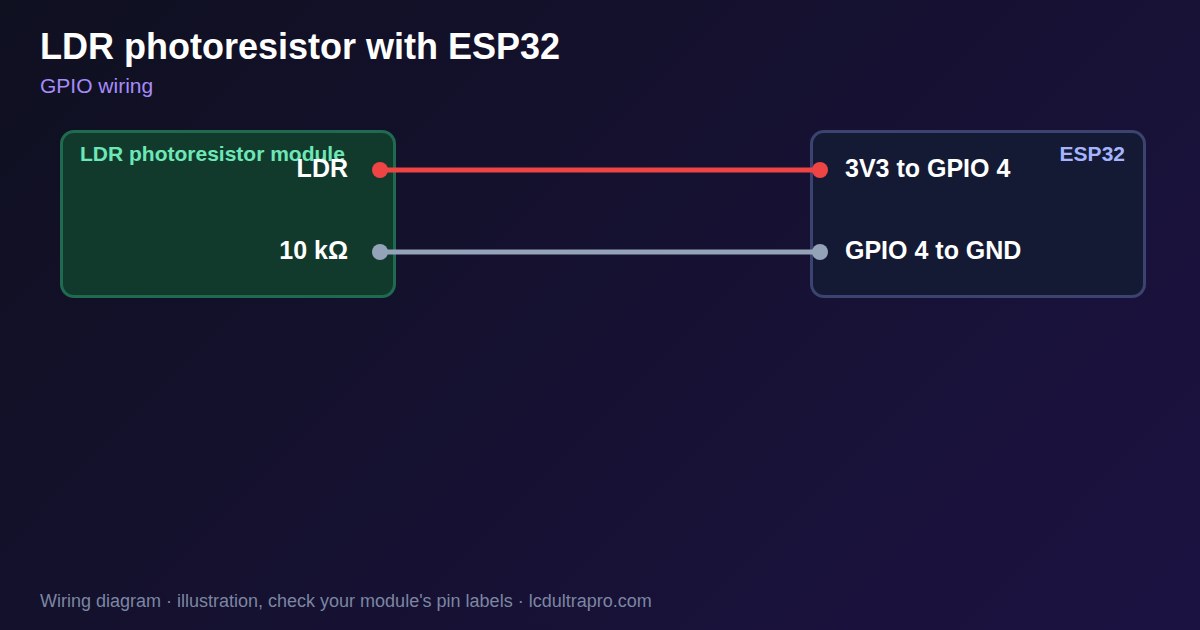
The CYD has a light sensor on the front, a small LDR wired to GPIO 34. It costs you none of your three pins. Read it with analogRead(34) and you get a rough idea of how bright the room is.
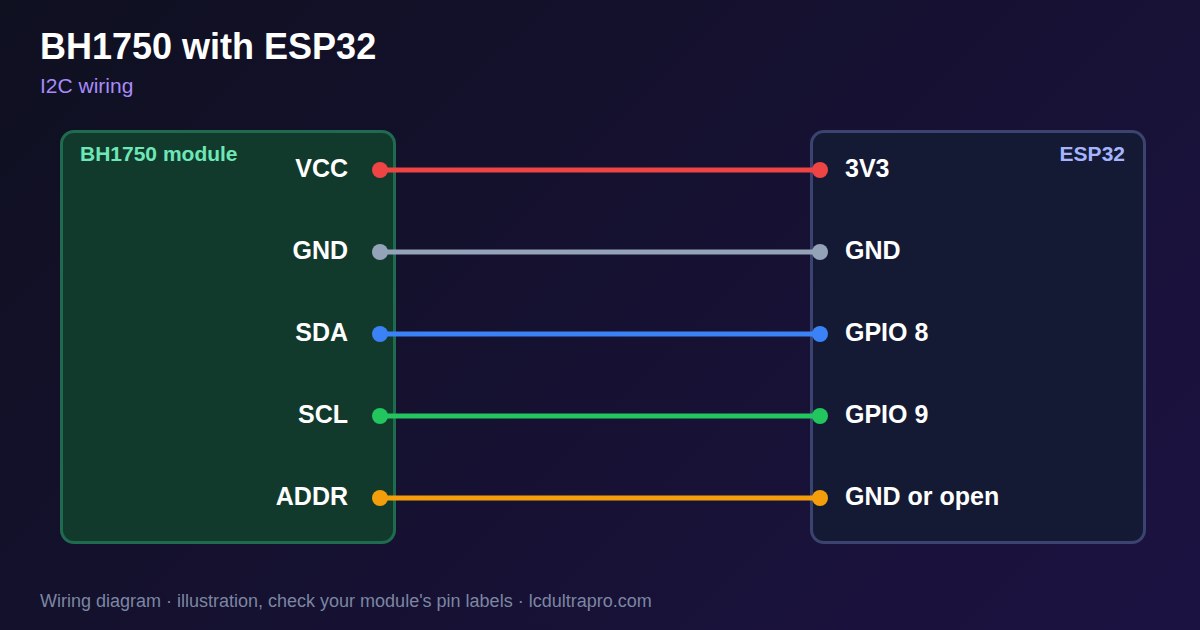
Rough is the word. An LDR gives a relative level, not lux, and two boards won't read the same in the same room. It's fine for "dim the screen when the lights go off", and that's honestly the best use for it. If you need real lux values, add a BH1750 on I2C instead.
BME280: put it on CN1
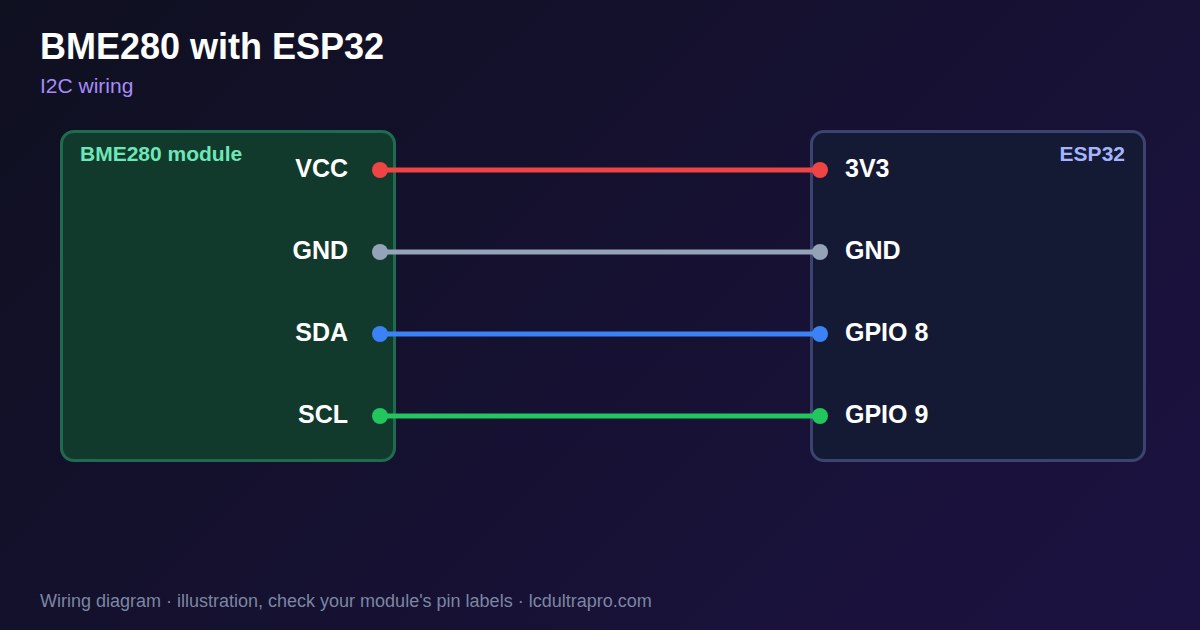
Temperature, humidity and pressure from one small board, on I2C. Plug it into CN1, power it from that connector's 3.3 V, and you've used the I2C bus without using it up. Other I2C sensors can join it later.
Two things to know. BME280 and BMP280 modules look identical, the BMP280 just has no humidity sensor, and listings mix them up. If humidity always reads zero or the library can't find the chip, check which one you have. And the address is either 0x76 or 0x77 depending on the module, so try both before you suspect the wiring.
Keep it off the back of the CYD too. The ESP32 and the backlight warm the board, and the sensor heats itself a little as well, so a BME280 taped right behind the screen reads high.
DHT22: think twice
The DHT22 is cheap and everyone has one in a drawer. On most boards that's reason enough. On a CYD it costs you more than it looks.
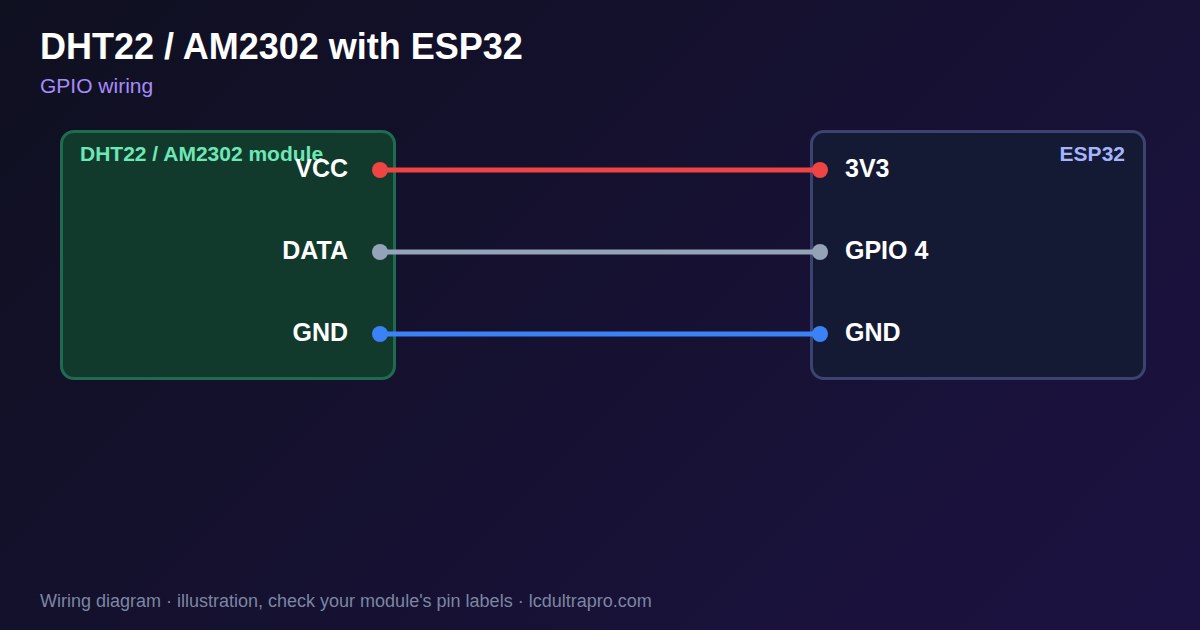
It needs a pin it can talk to in both directions, which rules out GPIO 35. So it takes 22 or 27, and the moment it does, you no longer have a complete I2C bus. One DHT22 effectively costs you every I2C sensor you might have added later. It also only wants to be read once every two seconds and fails a read now and then, so your code needs to handle a NaN gracefully.
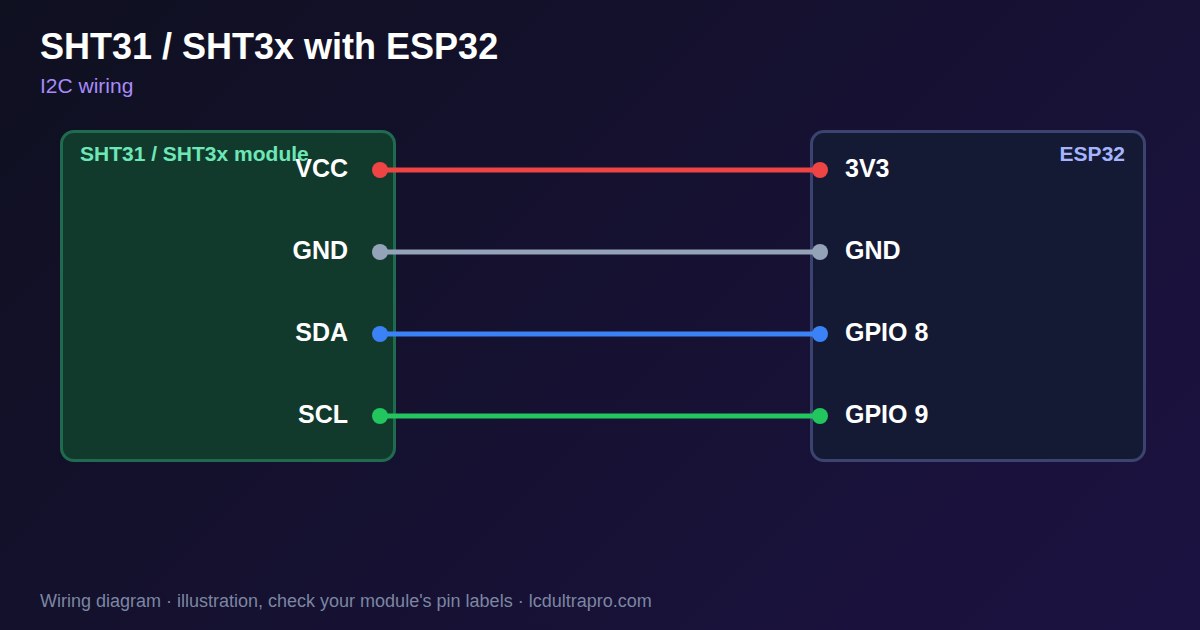
If you only need temperature and humidity, an I2C sensor like the SHT31 or AHT20 does the same job and shares the bus. I'd only use a DHT22 on a CYD if it's the only sensor you'll ever connect.
Soil moisture: GPIO 35
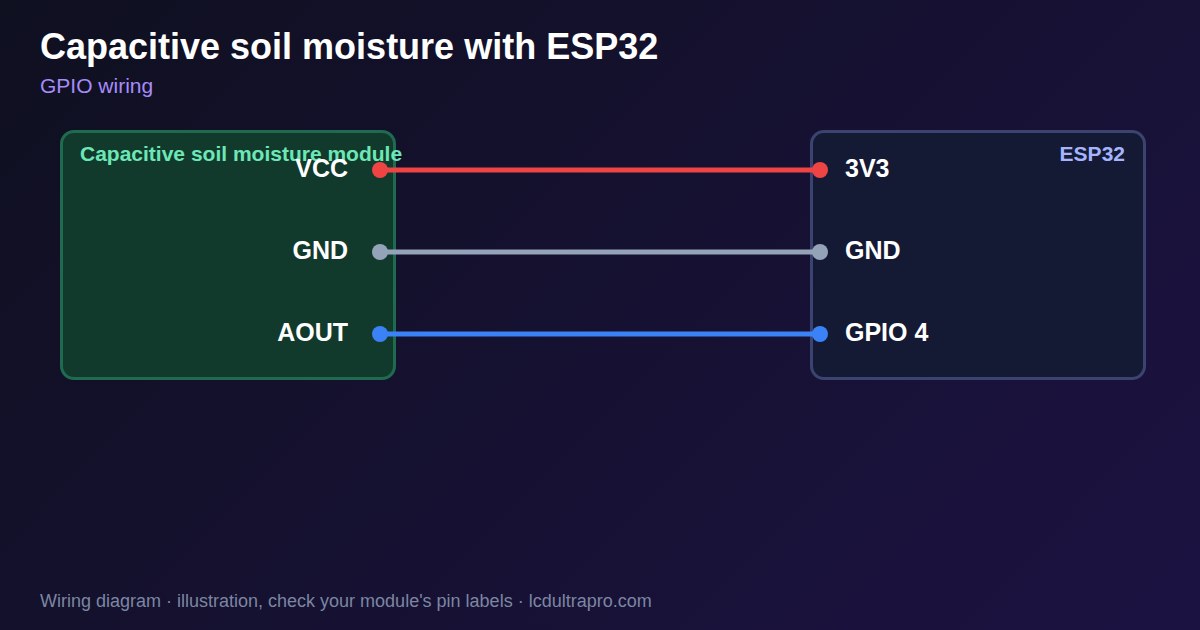
A capacitive soil probe outputs an analog voltage, so it belongs on GPIO 35. It's the one sensor in this article that's genuinely happy there.
Check the chip on the probe before you buy a handful. Versions with a TLC555 work at 3.3 V. Versions with an NE555 really want 5 V, and their output can then go above what the ESP32's pin should see. Readings run backwards from what you'd expect, dry is high and wet is low, and the numbers mean nothing until you note your own dry and wet values. Treat the result as a percentage between those two points, not as an absolute measurement.
A good combination
For a plant or room monitor on one CYD, this works without any soldering on the board: a BME280 or SHT31 on CN1, a BH1750 for light on the same two wires, the soil probe on GPIO 35, and the onboard LDR to dim the screen at night. Four sensors, and GPIO 22 and 27 are still just the I2C bus. Our I2C address checker confirms which combinations can share it.
Getting the values on screen
In LCD Ultra Pro, the BME280, DHT22, soil probe and an external LDR are all built into the rules. You place a label or a bar, add a rule that reads the sensor, and the export includes the library and the reading code. For analog sensors the rule can also scale the raw value, which is where your dry and wet numbers go. The onboard LDR is the exception. GPIO 34 isn't on any connector, so the editor's pin pickers don't offer it, and reading it takes one line of your own code with analogRead(34). The individual part pages have wiring and stand-alone code if you want to test each sensor before building the UI.
Whichever way you build it, wire and test one sensor at a time. Four new sensors at once and one of them misbehaving is a much longer evening than four quick ones in a row.
- #cheap yellow display
- #bme280
- #dht22
- #soil moisture
- #ldr
- #esp32 sensors