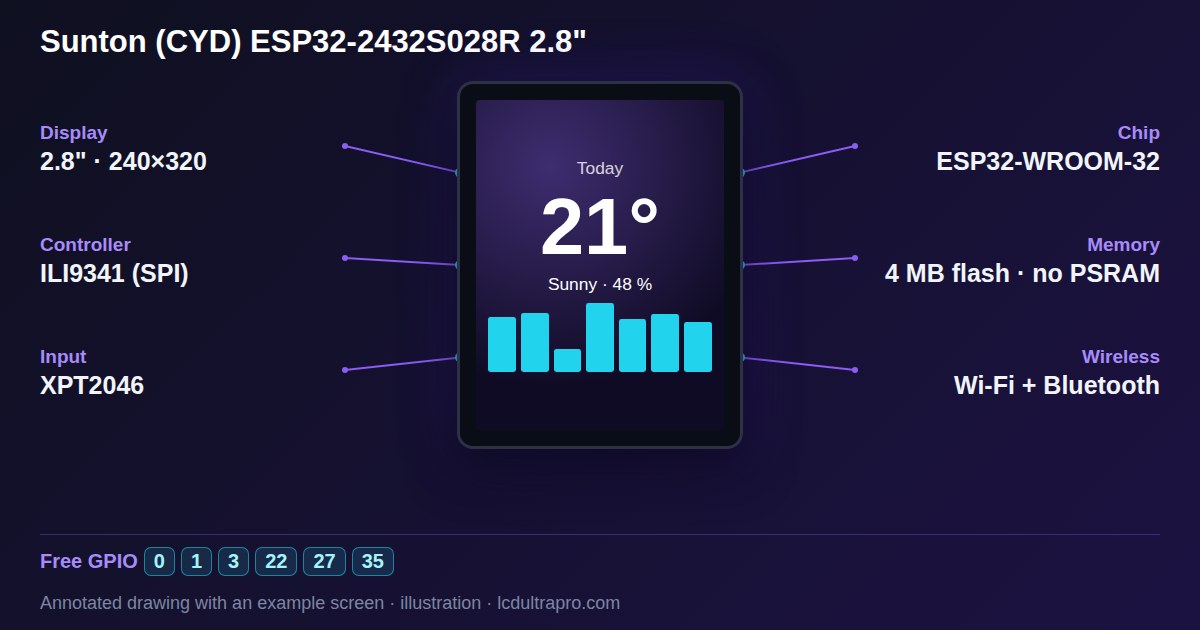
The display sits on one SPI bus (GPIO 12, 13, 14, CS on 15). The XPT2046 touch controller has its own, on GPIO 25 for clock, 32 for MOSI, 39 for MISO and 33 for CS, with its interrupt line on 36. So you need a touch library you can point at those pins. The usual choice is XPT2046_Touchscreen running on the ESP32's second hardware SPI bus, and that's how the examples in the community CYD repository do it.
#include <SPI.h>
#include <XPT2046_Touchscreen.h>

SPIClass touchSpi(VSPI);
XPT2046_Touchscreen ts(33, 36);    // CS, IRQ

void setup() {
  touchSpi.begin(25, 39, 32, 33);  // SCK, MISO, MOSI, CS
  ts.begin(touchSpi);
}
That covers the most common case. The rest of this is sorted by what you're seeing.
Touch works, but in the wrong place
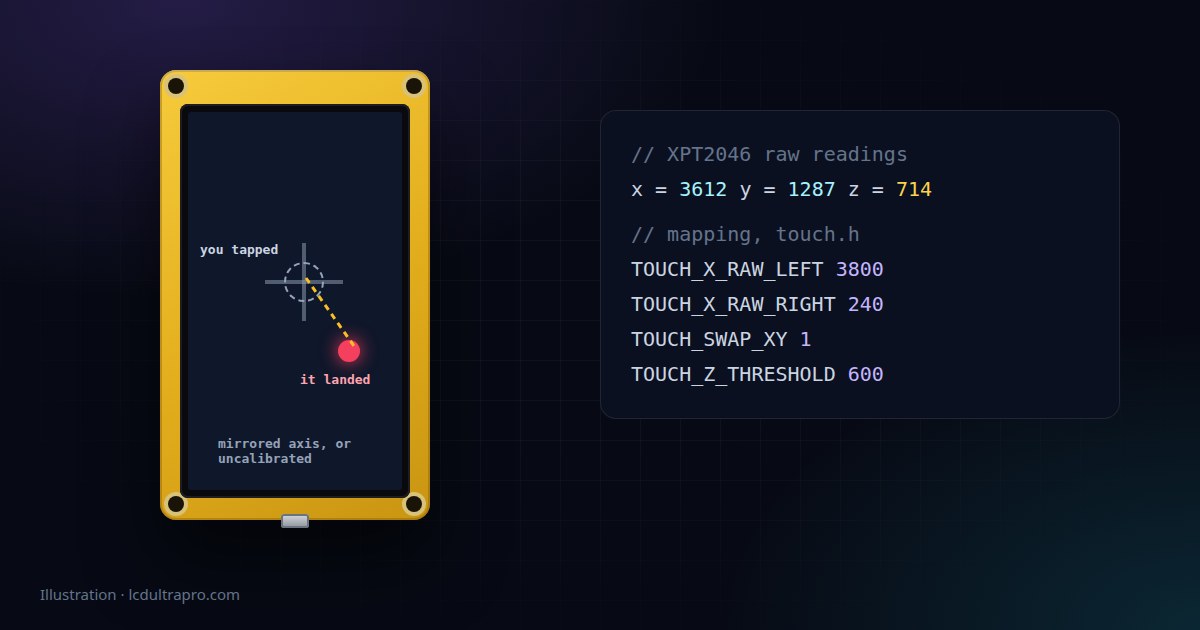
The XPT2046 doesn't report pixels. It reports two raw numbers, roughly between 200 and 3800 on this board, and your code has to map them onto the screen. If taps land mirrored, swap the minimum and maximum for that axis. If moving your finger left moves the point up, the axes are swapped and X needs to come from the controller's Y channel.
Rotation catches people out here. Turn the display to landscape in code and the touch mapping does not follow by itself. You have to rotate it too, or every tap ends up somewhere strange.
If it's only off by a few millimetres, that's normal for a resistive panel. Each one is a bit different. Print the raw values while you press the four corners and use those numbers instead of the ones from a tutorial.
Phantom touches, or you have to press really hard
The controller also measures pressure, and the library ignores readings below a threshold. Around 600 is a common starting value for the CYD. Phantom presses that appear on their own mean the threshold is too low. Needing to stab at the screen means it's too high. Adjust it in steps of 100 or so and test.
Very noisy readings can also come from the power supply. If touch gets jumpy when the backlight is bright or Wi-Fi is busy, try a better cable or supply before you start filtering in software.
Touch stops working when you add the SD card
The ESP32 has two hardware SPI buses you can use, and on the CYD the display, touch and SD card are each wired to different pins. Three devices, two buses. Brian Lough's troubleshooting page explains this well. One of them has to run on software SPI, and touch is the obvious candidate because it needs so little bandwidth. A bit-banged library such as XPT2046_Bitbang_Slim does exactly that.
Nothing at all, even with the right library
Check that you really have a resistive board. The 2432S028C is the capacitive version, and its touch controller sits on I2C, so none of the XPT2046 code applies to it. The letter after the model number on the back tells you. If you're not sure what you're holding, here's how to identify your CYD.
On a capacitive board, an I2C scanner that finds nothing doesn't automatically mean a wiring fault. Several of these chips go to sleep and stop answering until you touch the screen. There's more on that in our comparison of touch controllers.
Still stuck? Load the simplest touch example you can find, one that just prints raw X, Y and pressure to the serial monitor. If those numbers change when you press, the hardware is fine and the problem is the mapping. If they don't move at all, it's the pins, the bus or the board.
- #cheap yellow display
- #xpt2046
- #touch calibration
- #esp32-2432s028r
- #tft_espi