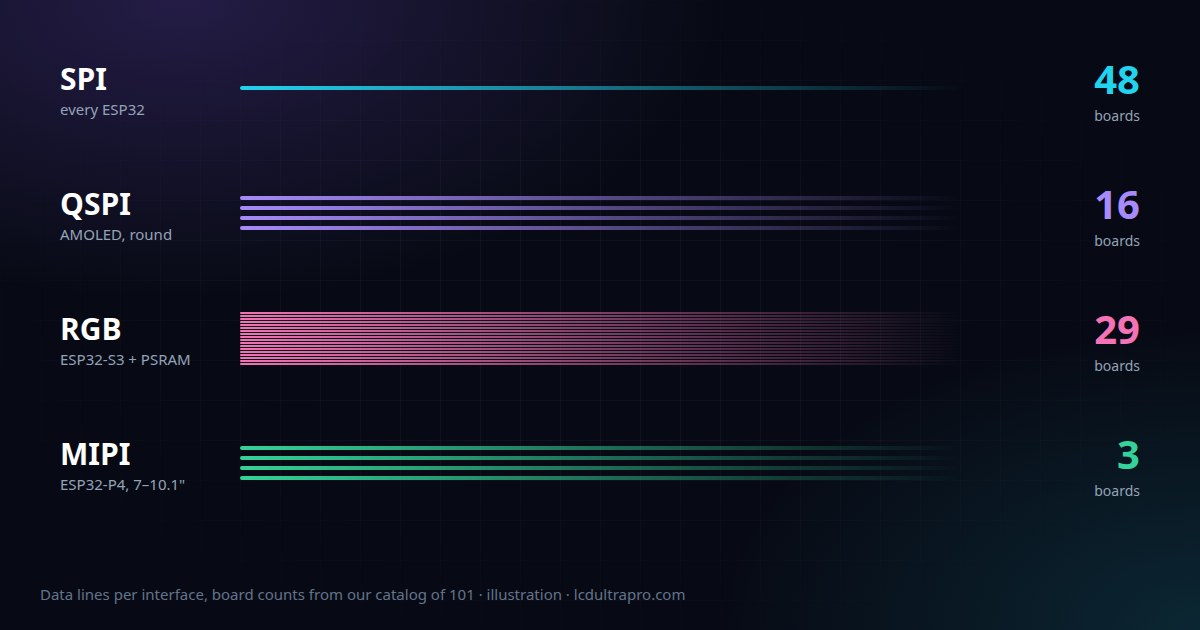
Here's how the 101 boards in our catalog split up. Plain SPI is the biggest group with 48 boards. Then come 29 RGB boards, 16 QSPI, 5 with an 8-bit parallel bus and 3 MIPI-DSI boards on the new ESP32-P4. Each group comes with its own trade-offs, and they're fairly predictable once you know what to look for.
The one difference that explains most of it
SPI, QSPI and 8-bit parallel displays have their own frame memory inside the display controller. The ESP32 sends a rectangle of pixels, the controller stores it and keeps showing it. Nothing needs to happen until the next change. LVGL takes advantage of this by redrawing only the parts of the screen that changed.
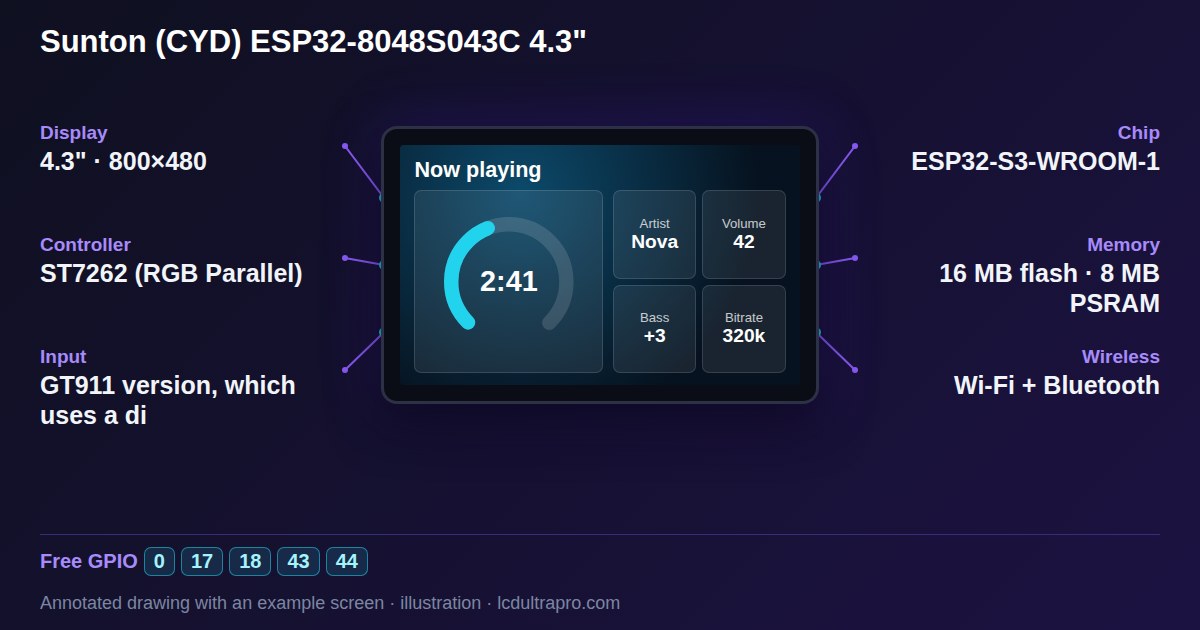
RGB panels have no memory at all. The ESP32 has to stream the whole picture to the panel continuously, many times a second, like an old VGA monitor. That frame lives in the ESP32's memory, and at 800×480 in 16-bit colour it's about 750 KB. That's more than the chip's internal RAM, so it goes into PSRAM. All 29 RGB boards in our catalog have PSRAM, and none of them would work without it.
SPI: simple, cheap, everywhere
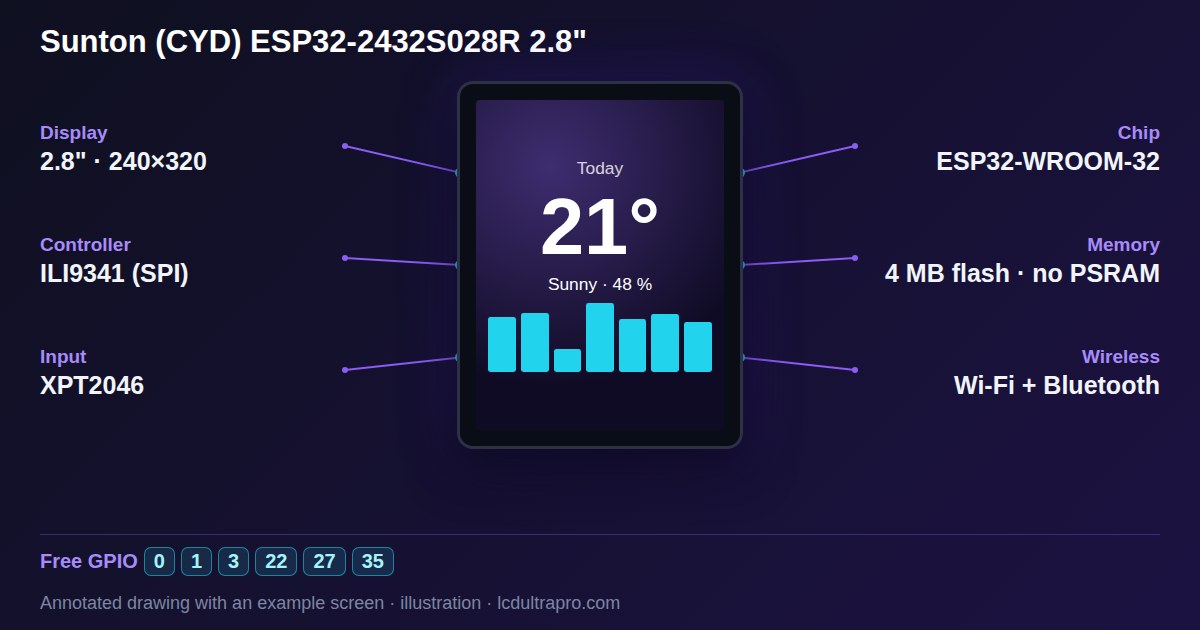
SPI needs four or five pins and works on every ESP32, including the small C3 and C6. That's why it's on everything from 0.75 inch round screens up to 3.5 and 3.95 inch boards, the 3.5 inch Cheap Yellow Display among them. In our catalog the largest regular SPI screens are 480×320.
The limit is bandwidth. At 40 MHz, a full 320×240 frame takes roughly 30 ms to send on paper, and a 480×320 frame about twice that. In practice LVGL rarely redraws the whole screen, so a button press or a changing number feels instant. A full-screen swipe animation won't be smooth, though, and on a 480×320 SPI screen you'll see it draw.
For a first project, a thermostat, a status display or anything mostly static, SPI is the right choice. Cheap, well documented, and it leaves pins free.
QSPI: four lanes instead of one
QSPI uses four data lines where SPI uses one, so the same clock moves roughly four times as much data. It still only needs about six pins. You'll find it on most of the small AMOLED screens, round and bar-shaped, and on a few LCDs like Waveshare's 3.5 inch board with the AXS15231B. In our list it's 16 boards, almost all ESP32-S3.
It's a nice middle ground. Smoother than SPI, far fewer pins than RGB, and the controller still has its own memory. The catch is software support. Each QSPI controller (CO5300, SH8601, ST77916, AXS15231B and so on) needs its own driver, and those are less mature than the SPI classics.
8-bit parallel: the in-between
A handful of boards, the LilyGO T-Display-S3 being the best known, wire the controller over an 8-bit parallel bus. It's faster than SPI and still has frame memory on the controller, but it uses around a dozen pins. Only five boards in our catalog do this, and it's not something you'd go looking for on purpose.
RGB: big screens on an ESP32-S3
This is how the 4.3, 5 and 7 inch boards work, at resolutions from 480×480 up to 1024×600. Of the chips with Wi-Fi, only the ESP32-S3 has the peripheral for it (the new P4 has one too), and every one of our 29 RGB boards uses an S3.
You pay for it in pins. Sixteen data lines plus clock and sync signals eat most of the chip, which is why these boards often have only a few free GPIOs. You also pay in memory bandwidth. The ESP32 is busy feeding the panel all the time, so heavy Wi-Fi traffic or a long flash write can briefly disturb the picture on some boards.
About half of our RGB boards, 15 of 29, have a controller like the ST7701 that also needs a short setup sequence over a separate 3-wire SPI link before the RGB picture shows up. Many of them are the square and round 480×480 boards. It's handled by the driver, but it's a classic reason for a blank screen when someone tries a generic RGB example.
MIPI-DSI: the ESP32-P4
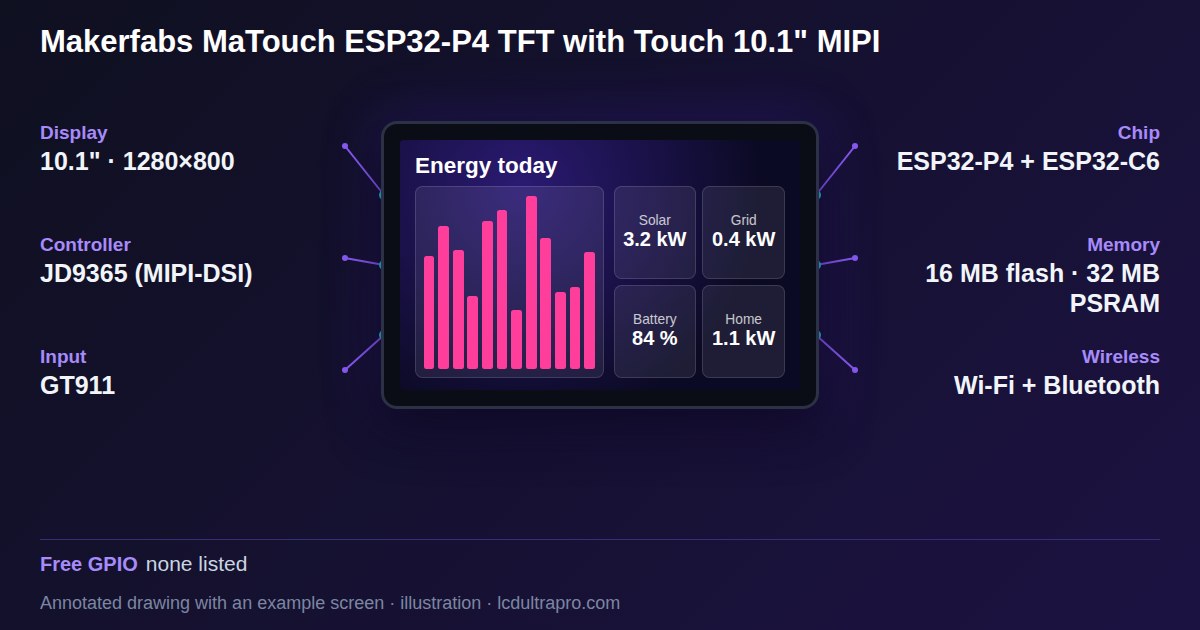
The ESP32-P4 brings MIPI-DSI, the interface phones use, and with it 7 to 10.1 inch screens up to 1280×800. Our three P4 boards are all in that range. It's a big step up in resolution, and the P4 is a much faster chip.
Two things to keep in mind. The P4 has no Wi-Fi or Bluetooth of its own, so boards that offer wireless add a separate chip for it. And it's new. Libraries and examples are still catching up, so expect to read more source code than you would with an S3.
So which one?
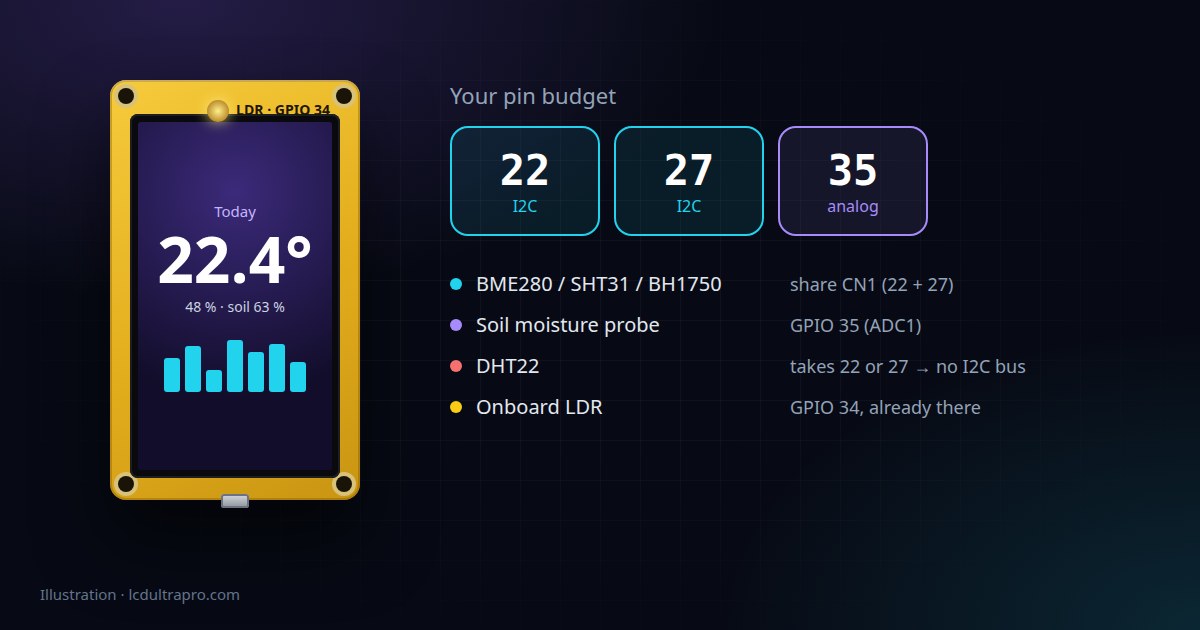
Go by what the screen has to do. Mostly static information, a few buttons, a number that changes: SPI, and save the pins. Small round or bar screens where you want animations to look good: QSPI. A 5 or 7 inch control panel with lots on it: RGB on an S3, and accept that you'll be using I2C for most of your sensors. MIPI only if you really need the resolution and don't mind being early.
If you're unsure, the interface for every board is on its page in the board list, next to the free pins. Look at both before you look at the price.
- #spi display
- #qspi
- #rgb display
- #mipi dsi
- #esp32-s3
- #esp32-p4
- #psram